 Capital de Tokens
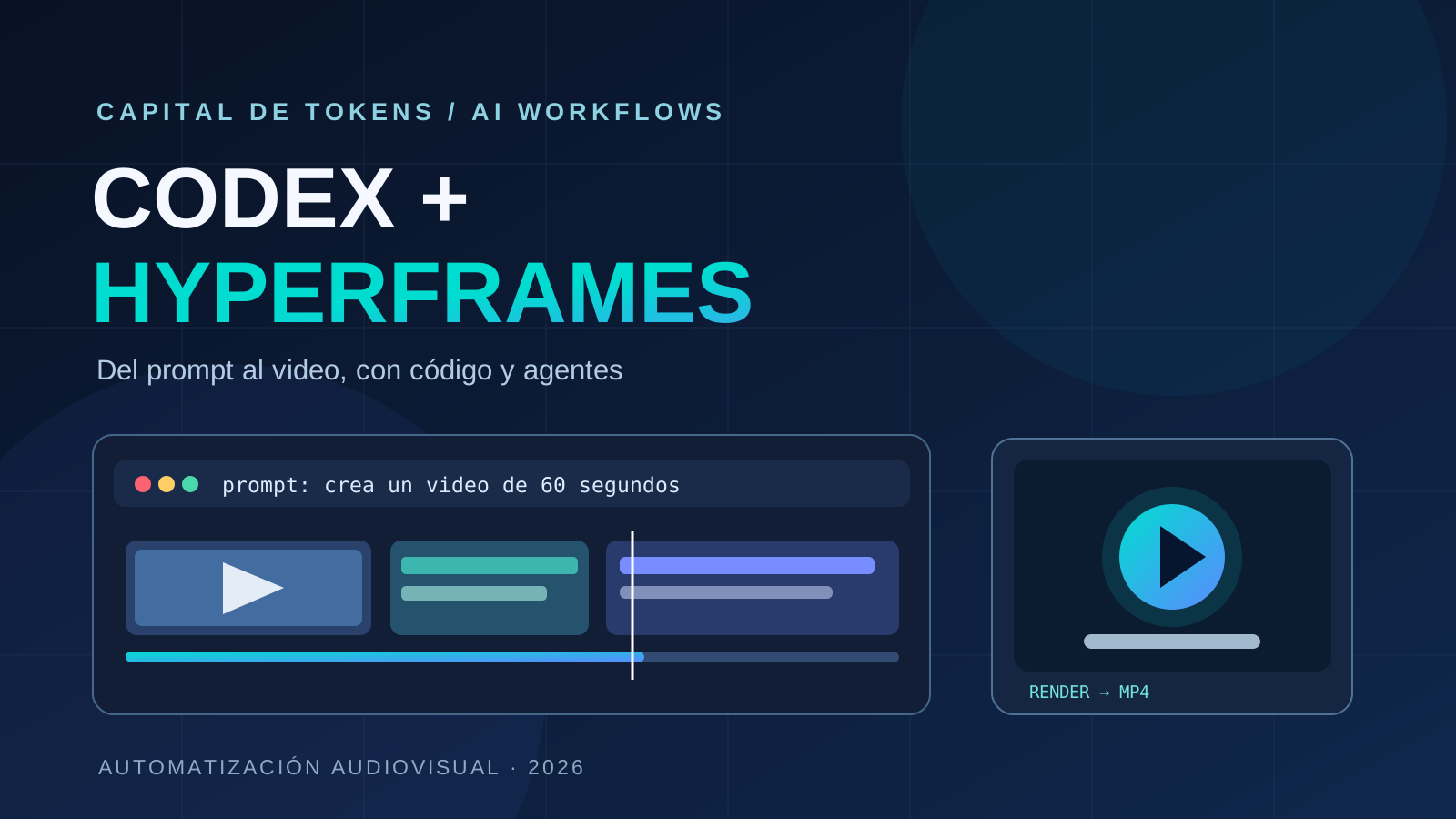
Editing video usually involves a string of repetitive tasks: importing files, reviewing takes, finding pauses, moving cuts around, timing captions, balancing music, and exporting the final file. What if a meaningful portion of that workflow could be described in natural language?
Creator Kevin Stratvert demonstrated a workflow starting with 16 unedited video clips and using Codex with HyperFrames to assemble and refine an edit. Geeky Gadgets covered the demonstration on October 10, 2026.
The important development is not that a language model has magically become a professional video editor. It is a different architecture: an agent interprets a creative brief and operates specialized software that turns media files into video.
Different tools, different responsibilities
It helps to separate two layers.
Codex is a coding agent: it interprets instructions, examines files, generates or changes compositions, and operates tools accessible in its environment. It is not a video-rendering engine on its own.
HyperFrames, an open-source project from HeyGen, represents video using HTML, CSS, media, and time-seekable animations. Its rendering process uses an automated browser to capture frames and FFmpeg to encode the audiovisual result.
A simplified workflow looks like this:
Raw clips + editorial brief
            ↓
   Codex: inspect and plan
            ↓
 HTML composition + assets
            ↓
 HyperFrames: frames + audio
            ↓
           MP4
            ↓
       Human review
Installing a skill or plugin in an agent’s environment is not the same as gaining a universal built-in video editor inside ChatGPT. Actual capabilities depend on configured tools, permissions, input media, and available compute.
What the demo actually shows
According to Stratvert’s tutorial description, the demonstration starts with 16 original clips and walks through project setup, connecting HyperFrames, organizing footage, and issuing editing instructions.
The workflow covers clip sequencing, trims, captions, text overlays, music, and an AI-generated opening graphic, followed by requests for revisions.
In the tutorial, Stratvert requests a 60-second video and later describes the rendered result as under a minute. That is the length of this demonstration, not a duration limit imposed by Codex or HyperFrames. The demo also does not guarantee that every edit will be creatively or technically correct on the first attempt.
Watch Kevin Stratvert’s walkthrough.
Why would you create video with HTML?
This is the less obvious technical idea.
A traditional nonlinear editor exposes tracks, keyframes, and clips through a graphical timeline. HyperFrames can express similar timing information declaratively: HTML elements carry start times, durations, and track positions, while animations control changes over time.
A simplified illustration:
<div class="clip" data-start="0" data-duration="5" data-track-index="1">
  <h1>The story in 30 seconds</h1>
</div>
An agent already capable of writing HTML and CSS can produce that structure. The engine then seeks to the requested frame times and encodes the resulting images and audio.
The official repository documents CSS, GSAP, Lottie, and other animation options. Its promise is inspectable, repeatable compositions, rather than edits that exist only as a hidden sequence of GUI interactions.
That is especially useful for high-volume content built from standardized templates.
A small experiment: prompt to MP4
HyperFrames documents Node.js 22+ and FFmpeg as prerequisites. It also provides agent skills that work with Codex and other coding agents.
One way to install its standalone skills is:
npx skills add heygen-com/hyperframesFor automation, its documentation recommends a noninteractive installation or update of the core skills:
npx hyperframes skills updateYou can test the engine without an agent as well:
npx hyperframes init my-video
cd my-video
npx hyperframes preview
npx hyperframes render
Once the environment is ready, a useful starting brief might be:
Review the clips in this folder. Propose a truthful 60-second story, remove unnecessary pauses, add accurately timed captions, and use a restrained opening animation. Render a draft for review before publishing.
This is an illustrative brief, not a guaranteed one-command workflow. Understanding footage, transcription, music sourcing, and editing existing clips can require additional tools and setup.
Where agent-driven video becomes compelling
The biggest opportunity may not be replacing a professional editor. It is automating repeatable formats.
Consider a technology publisher producing a daily episode and several Shorts. It could define reusable templates for headings, quotations, charts, transitions, captions, and 16:9 or 9:16 compositions.
The agent prepares or adapts a composition; the engine renders it; and later pipeline stages verify captions, audio, aspect ratio, length, and playback before distribution.
Other potential applications include:
- producing channel-specific variations of one audiovisual story;
- animating data charts from structured inputs;
- generating short videos that explain pull-request changes;
- reusing visual building blocks to preserve brand consistency;
- integrating audiovisual outputs into continuous validation pipelines.
These are engineering use cases, not claims that the original video validated every scenario at production scale.
What still needs human judgment
Automating a timeline does not solve the editorial problem.
A system can make mechanically clean cuts while changing the meaning of a speaker’s statement, overstating a claim, or placing an unrelated image over the narration. Captions can drift, music can overpower voices, and generated frames can contain visual errors.
A reliable workflow should therefore include:
- Traceability: which source clip and timestamp support each scene.
- Semantic review: cuts must preserve the source’s meaning.
- Rights and privacy checks: permission to use footage, music, and likenesses.
- Technical validation: playback, duration, aspect ratio, captions, and audio levels.
- Cost monitoring: transcription, asset generation, processing, and rendering.
Rendering compatibility should also be tested on the actual operating system and CPU architecture. Stated Node.js and FFmpeg requirements alone do not verify every environment.
The deeper shift: instructions become an editing interface
For decades, video editing has largely meant mastering a visual application and its controls. Coding agents and programmable rendering tools introduce another interface: describe the desired output, generate an inspectable composition, then iterate.
That does not eliminate the editor. It moves part of the job away from repetitive execution and toward deciding what deserves to be told, what evidence supports it, and how to evaluate the finished result.
The lesson from Codex and HyperFrames is not that “AI can edit every video on its own.” It is that code-oriented software becomes an audiovisual production interface when an agent knows how to operate it.