 Capital de Tokens
Finding a potentially vulnerable shared library on a server can trigger an instinct to uninstall it. That approach may break dependencies, interfere with automatic updates, or interrupt services that the machine actually needs.
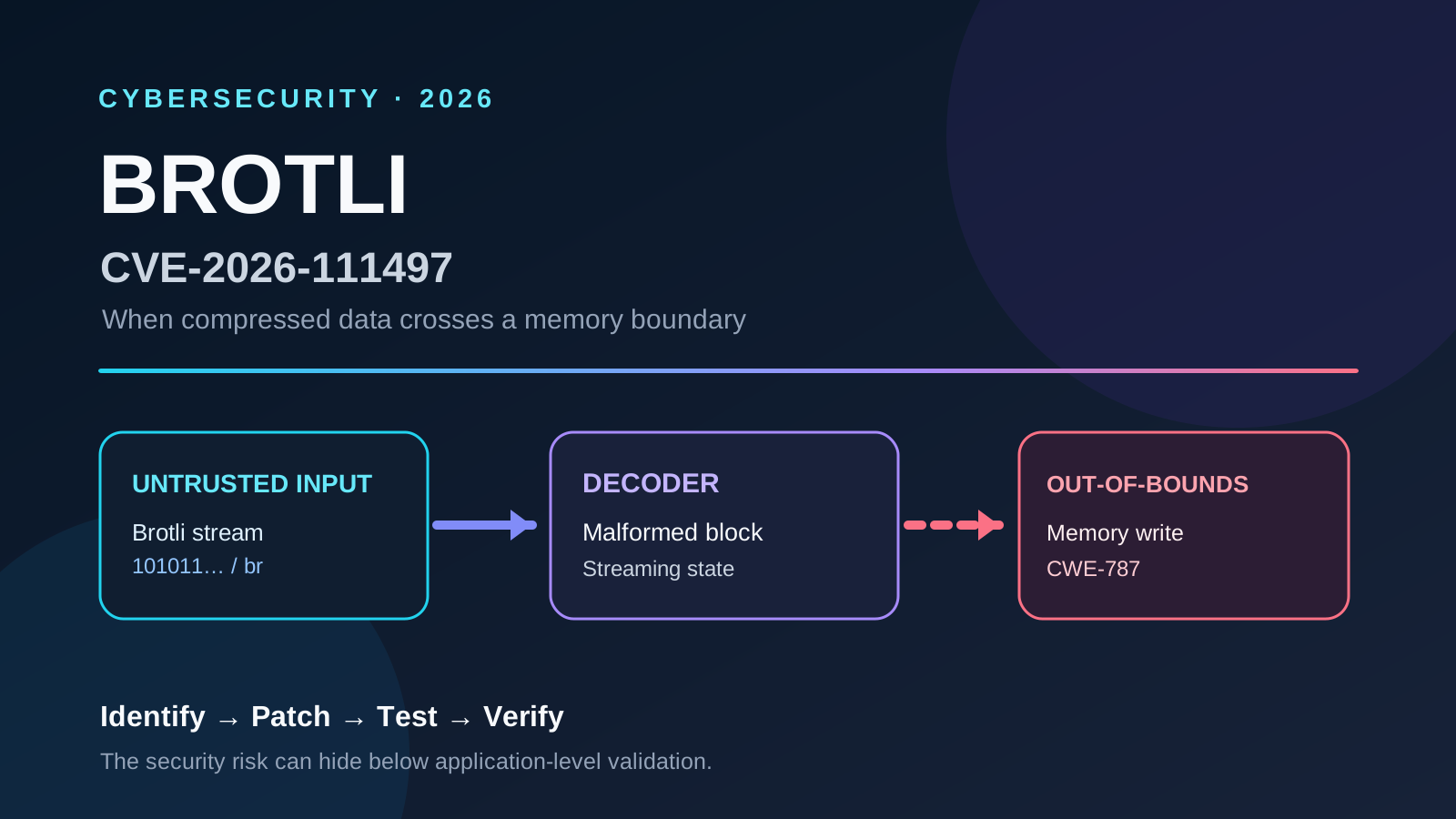
CVE-2026-111497 affects a Brotli decoder that can corrupt memory when processing specially malformed compressed data. Installing Brotli does not automatically make a host exploitable: exposure depends on which processes use the decoder and whether attacker-controlled input reaches it. For the vulnerability mechanics, affected versions, and permanent fix, see the main CVE-2026-111497 article.
This companion guide addresses a different question: how can an administrator reduce unnecessary execution paths without losing operating-system updates? It describes a real intervention in anonymized form, excluding the infrastructure provider, hosted projects, and environment-identifying details.
Two services that serve different purposes
fwupd: device firmware, not ordinary packages
fwupd manages supported firmware updates, including certain UEFI components and peripherals. Graphical programs and the fwupdmgr command can access it, and it provides services through D-Bus.
It is not responsible for ordinary Ubuntu package updates such as security fixes to OpenSSL or Python. Many generic virtual machines expose no physical firmware devices that a guest needs to update, but fwupd should not be presumed unnecessary in every VM. Check the devices and operational workflows first.
packagekitd: a common interface to software management
packagekitd is the daemon behind PackageKit, which provides a D-Bus interface for programs that want to query, install, or upgrade software. Desktop software stores commonly use this abstraction.
PackageKit is not APT. Ubuntu’s APT is the underlying package management system; PackageKit is an additional front end or coordination layer that may use it. A server administered entirely through command-line tools and automation may not need that layer.
Crucially, blocking PackageKit does not automatically block APT or Ubuntu’s native automatic security updates.
What are APT and unattended-upgrades?
APT installs and upgrades packages from configured repositories. Administrators use commands such as apt update and apt upgrade for manual maintenance.
unattended-upgrades installs updates allowed by the machine’s policies, especially security updates. A typical Ubuntu Server configuration relies on these systemd timers:
| Component | Role |
|---|---|
| apt-daily.timer | Schedules package-index refresh and other periodic APT activity. |
| apt-daily-upgrade.timer | Schedules the periodic upgrade mechanism. |
| unattended-upgrades | Selects and installs updates using configured origins and policies. |
| fwupd | Updates compatible firmware; does not replace APT. |
| PackageKit / packagekitd | Exposes package operations to programs over D-Bus; does not replace APT. |
Enabled timers alone do not prove patches are actually being installed. Inspect the periodic configuration, allowed update origins, and logs. Some package upgrades, including kernels, may also require a reboot.
Why stopping a daemon was not enough
systemd distinguishes three important operations:
- stop: stops a running process, which can later be restarted.
- disable: removes regular automatic startup, but another service or D-Bus request may still activate it.
- mask: prevents systemd from activating the unit, even indirectly, until the mask is lifted.
Both fwupd and PackageKit may be activated on demand through D-Bus, Linux’s interprocess communication system. A one-time process termination is therefore not a durable mitigation if a program can reactivate the daemon later.
In the case described here, the firmware and PackageKit services were masked, the firmware refresh timer was disabled, and PackageKit’s offline-update component was also blocked. APT and the native automatic-update timers were preserved. No shared libraries were removed or manually replaced, including libbrotli1.
A careful mitigation sequence
1. Inventory before changing anything. Confirm the actual unit names, dependencies, scheduled work, and relevant packages:
systemctl list-unit-files '*fwupd*' '*packagekit*' 'apt-daily*'
systemctl list-timers --all
dpkg-query -W libbrotli1 fwupd packagekit unattended-upgrades 2>/dev/null
apt-cache policy libbrotli1
2. Establish that the services are dispensable. A graphical software updater, firmware-management workflow, or PackageKit integration may require them. A host being virtualized is not, by itself, proof that those services are safe to disable.
3. Apply narrowly scoped restrictions during a maintenance window. Once dependencies are checked, example commands on a system with these units may be:
sudo systemctl mask --now fwupd.service packagekit.service
sudo systemctl disable --now fwupd-refresh.timer
sudo systemctl mask --now packagekit-offline-update.service
Verify unit names and existence before running any command. Units differ across distributions and releases. Masking can break consumers of the blocked service; it does not uninstall the underlying packages.
4. Verify APT and automatic updates remain functional:
apt-get -s upgrade
systemctl list-timers --all 'apt-daily*'
systemctl is-enabled apt-daily.timer apt-daily-upgrade.timer
apt-config dump | grep -E 'APT::Periodic|Unattended-Upgrade'
sudo tail -n 40 /var/log/unattended-upgrades/unattended-upgrades.log
An APT simulation checks package resolution at that point in time. It does not prove that a real upgrade would succeed or that unattended-upgrades has applied every available fix. Check periodic settings, allowed update sources, and recent logs too.
5. Verify and keep observing. Inspect unit states and look for the two running daemons:
systemctl is-enabled fwupd.service packagekit.service
systemctl is-active fwupd.service packagekit.service
pgrep -a -x fwupd
pgrep -a -x packagekitd
A clean process search proves only that those processes were not present at that instant. It says nothing about other Brotli consumers, embedded runtimes, or containers.
What improved, and what remained unresolved?
In the anonymized intervention, the APT installation simulation succeeded; native update timers remained active; unnecessary services were masked; and the subsequent scan found no running fwupd or packagekitd processes with Brotli loaded.
This reduces attack surface. It does not repair the vulnerable decoder. libbrotli1 remained installed to preserve dependencies. Other applications may still load a vulnerable copy and process untrusted compressed streams. A complete resolution requires vendor patches, an inventory of runtime-embedded copies, and restarts where old libraries remain loaded.
Merely removing br from Accept-Encoding is also insufficient as a universal workaround: an untrusted server can still return Content-Encoding: br. Where supported, reject such responses before decoding or genuinely disable vulnerable Brotli decompression, rather than relying on a request header alone.
Rolling back safely
Masking is reversible. If required functionality breaks, identify which dependency is affected and remove only the relevant mask:
sudo systemctl unmask fwupd.service packagekit.service
sudo systemctl unmask packagekit-offline-update.service
Restore the firmware refresh timer to its previous state only if it had been enabled (for example, sudo systemctl enable —now fwupd-refresh.timer). Do not indiscriminately restart services before reviewing the security reason for the change.
The broader lesson
Safe mitigation is not a matter of deleting every package listed in a vulnerability report. It means checking real exposure, removing unnecessary execution paths, preserving critical update mechanisms, testing behavior, and retaining a plan to apply the permanent patch.
Understanding the difference between firmware updates, graphical package management, and native unattended upgrades helps Linux administrators make precise security decisions without trading away routine maintenance.