 Capital de Tokens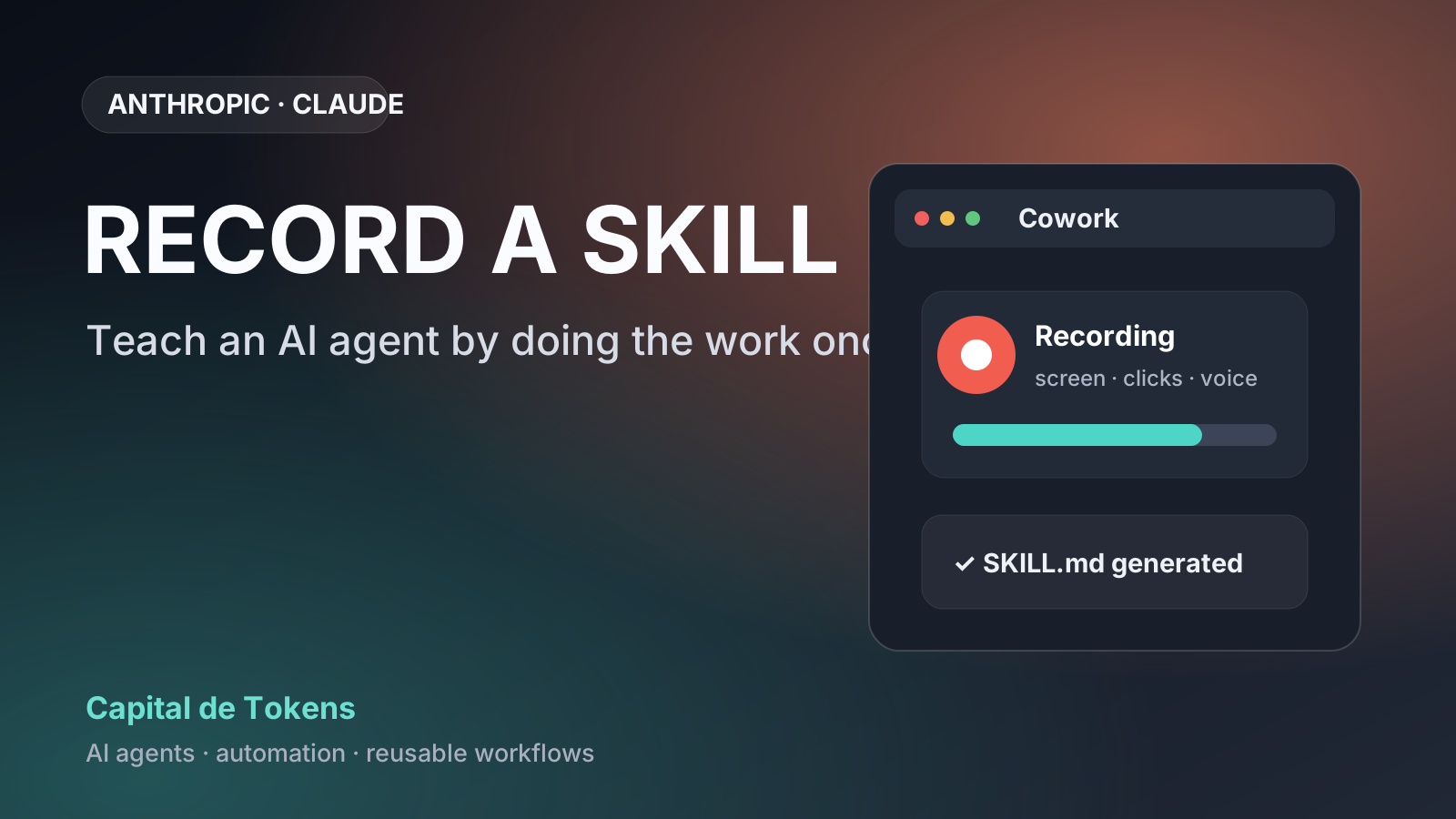
Record a skill: Claude can now turn a demonstration into a reusable Skill
For years, automating a process meant writing instructions, building scripts, or recording macros that replayed clicks. Anthropic is pushing a more direct idea: do the work once in front of the agent and let the agent turn that demonstration into reusable procedural knowledge.
Claude’s new Record a skill feature lets users record a task inside Cowork, including what appears on the screen, clicks, typing, and—optionally—spoken narration. When the recording ends, Claude analyzes the demonstration and proposes a Skill that the user can inspect before saving it.
The feature was highlighted by MSN, and Anthropic now documents its behavior and limitations directly in its help center.
The phrase “Claude learns by watching” is a useful shorthand, but it needs an important technical qualifier: Claude is not retraining the underlying model on your recording. It is turning a concrete demonstration into reusable instructions and resources for an agent.
How Record a skill works
The official workflow is straightforward:
- Open Cowork in Claude for Mac.
- Select Record a skill.
- Perform the task the way you normally do it.
- Narrate important decisions if useful.
- Claude reviews the recording and proposes either a new Skill or an update to an existing one.
- You inspect the result and decide whether to save, update, or discard it.
Anthropic says a recording can run for about 10 minutes. The app shows a countdown when roughly one minute remains.
Narration matters because a screen only reveals actions. It does not always reveal the reasoning behind them.
For example, Claude may observe that you skip a row in a CSV, but it cannot necessarily know whether you skipped it because the row was empty, contained invalid data, or belonged to a test customer. Saying the reason aloud turns an implicit decision into a rule that the generated Skill can capture.
What Claude actually creates
Anthropic’s Agent Skills are packages of procedural knowledge that an agent can load when a task requires them.
At the simplest level, a Skill is a folder containing a SKILL.md file. It can also include scripts, templates, examples, and other resources.
Conceptually, a recorded demonstration might become something like this:
skills/
└── monthly-report/
    ├── SKILL.md
    ├── scripts/
    │   └── clean_data.py
    └── templates/
        └── report.md
SKILL.md describes when the Skill should be used and how the process should run. Additional files can contain deterministic code or reference material.
Anthropic designed Skills around progressive disclosure. Claude does not need to load the entire package into every conversation. It can first know the Skill’s name and description and, when the Skill becomes relevant, read the instructions and supporting resources it needs.
That makes a Skill closer to a small executable operations manual than to a giant prompt.
Example: a monthly report
Imagine a process that happens every month:
open Excel
→ download CSV
→ clean data
→ remove invalid records
→ calculate metrics
→ generate report
→ save PDF to a folder
There have traditionally been several ways to automate this.
You could document every step and ask an agent to follow the documentation. You could write a script. You could build a workflow in an automation platform. Or you could record a click-based macro.
With Record a skill, there is another option:
do the process once
        ↓
narrate the important decisions
        ↓
Claude observes the demonstration
        ↓
Claude proposes a Skill
        ↓
review and save
        ↓
"generate the monthly report"
The difference may sound small, but it reduces one of the most tedious parts of automating human knowledge: having to exhaustively explain something the expert already knows how to do.
It is not exactly a macro
The macro-recorder comparison is unavoidable, but there is a fundamental difference.
| Traditional macro | Agent Skill |
|---|---|
| Memorizes specific actions | Tries to capture procedure and intent |
| Often depends on coordinates or UI controls | Can use instructions, tools, and code |
| Breaks easily when the interface changes | Can adapt when the underlying rule still holds |
| Replays a sequence | Describes how to solve a class of task |
| Usually cannot understand exceptions | Can incorporate narrated rules and decisions |
That does not mean a Skill is magically robust. A poor demonstration can produce poor instructions. A heavily visual workflow can still depend on a particular interface. And a decision that is never shown or explained may be missing from the result.
But the target is different: capture operational knowledge, not merely the choreography of the mouse.
From prompt engineering to demonstration engineering
The most interesting consequence may not be a new Claude feature, but a shift in how people teach agents.
The first generation of AI tools forced users to translate their knowledge into text:
I know how to do the task
        ↓
I must describe it perfectly
        ↓
the agent tries to reconstruct it
Record a skill can reverse that flow:
I know how to do the task
        ↓
I perform it in front of the agent
        ↓
the agent tries to extract the procedure
We can think of this as demonstration engineering: designing good demonstrations so an agent can convert them into reusable procedures.
The human skill changes. Writing a good prompt is no longer enough. It also matters to:
- choose a representative example;
- explain decisions that are not visible;
- demonstrate important exceptions;
- separate general rules from accidental steps;
- review the generated procedure;
- test it on cases different from the original example.
In other words, teaching by doing does not eliminate engineering. It changes where the engineering happens.
A meaningful building block for office automation
This idea may be especially useful in work where a lot of procedural knowledge has never been fully formalized.
Consider tasks such as:
- preparing a weekly report;
- downloading data from an internal dashboard;
- cleaning a spreadsheet;
- checking specific fields before approving a request;
- preparing a presentation from several sources;
- organizing files according to a convention;
- running a manual QA procedure;
- updating information across multiple applications.
Many organizations understand these processes because someone knows how to do them, not because a complete specification exists.
That is precisely the space where demonstrations can lower the cost of converting tacit knowledge into automation.
Availability is still fairly narrow
It is worth separating the headline from the actual product availability.
According to Anthropic’s documentation checked on September 1, 2026, Record a skill is available to Pro, Max, and Team users inside Cowork in Claude for Mac.
Anthropic explicitly says the recording feature is currently not available in Chat, on Windows, or on Free and Enterprise plans.
Skills as a general capability are more broadly available, but the specific feature that records a workflow to create one has those restrictions.
Privacy: a demonstration can teach too much
A feature that watches the screen needs a clear security discipline.
Anthropic explicitly warns that everything visible on the screen during the recording can be captured, along with what the user says. It recommends closing files, apps, and conversations that should not be included and avoiding passwords, secrets, or sensitive information.
There is another important retention detail:
- the video and audio from the recording are not retained after Claude analyzes them;
- a set of screenshots from the session remains in the Cowork task;
- deleting that Cowork task removes those screenshots according to Anthropic’s documentation.
So the right mental model is not “the recording instantly disappears.” Visual information still exists in the workflow and should be treated as potentially sensitive.
The generated Skill still needs review
The feature does not turn a single demonstration into unquestionable truth.
After recording, Claude presents a proposal. The user can expand its content and inspect what Claude produced before saving it.
That review step matters because a single execution can contain accidental decisions:
this time the file happened to be in Downloads
≠
the file must always be in Downloads
this time I ignored one row
≠
all similar rows should be ignoredthis time I opened app A before app B
≠
the order is a requirementTurning a demonstration into a general rule is a generalization problem, just like many other problems in AI.
A stronger workflow is:
demonstrate
→ generate Skill
→ review
→ test on other cases
→ correct
→ reuse
Skills are becoming a portable knowledge layer
Anthropic introduced Agent Skills in 2025 as folders of instructions, scripts, and resources for specializing agents. In December of that year, Anthropic published the format as an open standard aimed at cross-platform portability.
The architectural idea is useful because it separates three layers:
model
+ tools
+ procedural knowledge
The model supplies general reasoning. Tools let the agent act. The Skill supplies the specific procedure of a person, team, or organization.
Record a skill attacks the bottleneck in that third layer: how to create procedural knowledge without writing all of it manually.
The truly new part is not screen recording
Recording a user’s actions has existed for decades. RPA, macros, tutorials, and process-mining systems have all explored versions of the idea.
The new part is the attempt to turn a multimodal demonstration into an editable, semantic artifact that a general-purpose agent can reuse.
If that translation works well, a large amount of knowledge that currently exists only in someone’s head can be converted more quickly into procedures that an agent can repeat, review, and share.
That may be the most important implication of Record a skill:
documentation no longer has to be the first step before automation. Sometimes the first documentation can emerge from observing the real work.