 Capital de Tokens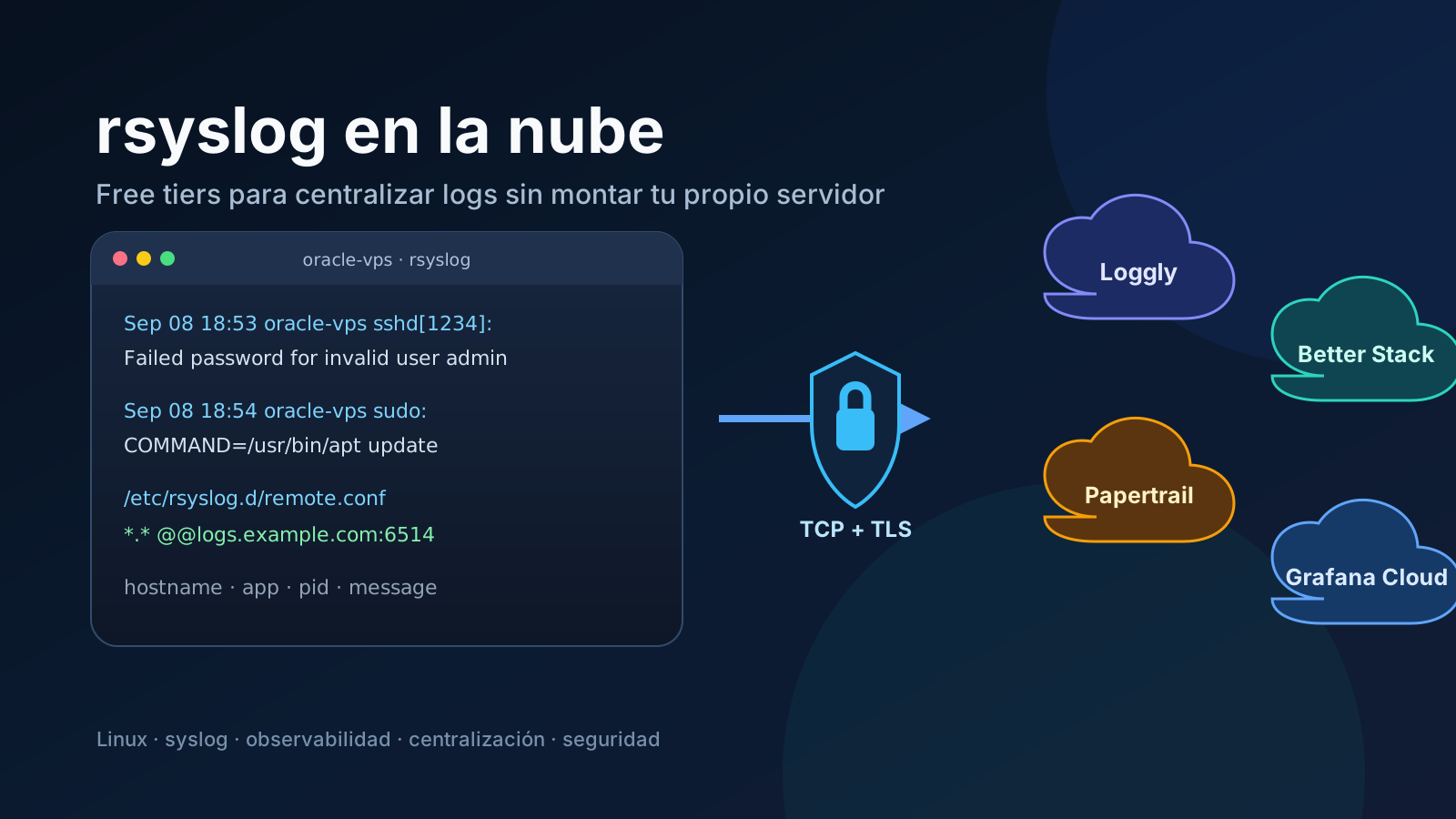
rsyslog is not only a tool for writing /var/log/syslog. It can also act as a forwarder: receiving local events and shipping them over the network to a central collector.
That opens a useful option for small servers, labs, and personal VPS instances: instead of deploying and maintaining another logging server, we can send events to a managed service with a free tier.
The architecture can be as simple as this:
Oracle VPS
  │
  ├─ sshd
  ├─ sudo
  ├─ kernel
  ├─ nginx
  └─ applications
       │
       ▼
    rsyslog
       │
       │ TCP + TLS
       ▼
 logging service
       │
       ├─ search
       ├─ filters
       ├─ dashboards
       └─ alerts
As of September 2026, several options are worth knowing. Four stand out for this use case: Loggly, Better Stack, Papertrail, and Grafana Cloud.
Free-plan limits change over time. The figures in this article were verified on September 8, 2026 against official documentation and pricing pages.
What identity does rsyslog preserve when it forwards an event?
Before comparing services, it helps to understand what travels inside a syslog message.
A traditional event can look like this:
Sep 8 18:53:12 oracle-vps sshd[1234]: Failed password for invalid user adminThe hostname oracle-vps is part of the message. Modern formats such as RFC 5424 also include fields such as:
timestamp
hostname
app-name
process-id
message-id
structured-data
message
That means a central collector can receive events from ten different servers and still distinguish their origin.
For example:
host=oracle-vps   app=sshd
host=acer         app=myagent
host=server-03    app=nginx
There is one important distinction: the hostname declared inside the message is not necessarily a cryptographically trustworthy identity. A receiver can also observe the connection IP and, when TLS with certificates is used, authenticate the sender more strongly.
Quick comparison
| Service | Verified free tier | Free retention | Direct rsyslog? | Recommended transport |
|---|---|---|---|---|
| Loggly Lite | 200 MB/day | 7 days | Yes | TCP + TLS |
| Better Stack | 3 GB/month | 3 days | Yes | TCP + TLS, port 6514 |
| Papertrail | 50 MB/month | 1-week downloadable archive | Yes | TCP + TLS |
| Grafana Cloud Logs | 50 GB/month | 14 days | Via collector | rsyslog → Alloy → Loki |
At first glance the table seems to make Grafana Cloud the obvious winner by volume, but volume is not the only factor. The key difference is how much machinery we want between rsyslog and the backend.
1. Loggly: probably the most comfortable free tier for pure rsyslog
The Loggly Lite plan remains free and currently includes:
- 200 MB per day of volume.
- 7 days of retention.
- centralized logging.
- search and filters.
- agentless collection.
The initial trial lasts 30 days and, according to Loggly’s own pricing page, the account converts to the free Lite package when the trial ends.
Loggly supports syslog over UDP, TCP, and TCP with TLS. For traffic leaving our network and crossing the Internet, TCP with TLS is the sensible choice: TCP provides retransmission while TLS protects the content in transit.
Conceptually:
rsyslog
   │
   │ TCP/TLS
   ▼
Loggly
For a small VPS, 200 MB per day is a substantial allowance. A server producing only system, SSH, sudo, cron, and a few application logs can remain far below that limit.
When I would choose it: when I want to learn and use rsyslog itself as the main forwarding component without introducing another agent on the machine.
Sources: Loggly Pricing and Cloud Syslog Solution.
2. Better Stack: direct integration with a more modern experience
Better Stack currently includes the following in its free plan:
- 3 GB of logs per month.
- 3 days of retention.
- Live Tail.
- queries and filters.
- integration with the rest of its observability platform.
It has documentation specifically for rsyslog.
Its receiver listens on:
TCP + TLS :6514
UDP       :6517
Better Stack recommends encrypted TCP. Also, simply sending any message to the port is not enough: its rsyslog configuration adds a source_token inside syslog structured data to authenticate the source.
The flow therefore looks conceptually like this:
rsyslog
   │
   │ RFC 5424 + source token
   │ TCP/TLS :6514
   ▼
Better Stack
The official documentation even provides a script that generates the configuration and sets up a disk-backed queue so messages are not immediately lost when the network connection is unavailable.
That detail matters. A remote logging system should not turn a temporary Internet outage into immediate loss of evidence.
When I would choose it: when I want a modern UI, Live Tail, and an explicitly supported rsyslog configuration, while accepting that free retention is short.
Sources: Better Stack Pricing and Send logs to Better Stack with RSyslog.
3. Papertrail: the classic syslog model turned into SaaS
Papertrail is perhaps the easiest model to visualize.
You create a destination and receive something equivalent to:
logsN.papertrailapp.com:XXXXXThen you point rsyslog at that host and port.
The current free tier offers 50 MB per month. Papertrail also states that downloadable archives for the free plan are retained for one week.
A basic rsyslog configuration can look like this:
*.* @logsN.papertrailapp.com:XXXXXA single @ means UDP.
For TCP:
*.* @@logsN.papertrailapp.com:XXXXXTwo @ characters mean TCP.
Papertrail also supports syslog over TCP with TLS, which is what we should prefer when shipping potentially sensitive events over the Internet.
When I would choose it: for a low-volume machine where I want the experience closest to “give me a syslog endpoint and I will send you events.”
Its main limitation is obvious: 50 MB/month is tiny compared with the alternatives.
Sources: Papertrail Plans, Unix and BSD system logs, and TLS encrypted syslog.
4. Grafana Cloud: the huge free tier, with one extra component
Grafana Cloud Logs offers a particularly generous free tier:
- 50 GB of log ingestion per month.
- 14 days of retention.
That changes the scale of the comparison completely.
But Grafana Cloud is not the most direct option when our specific goal is to practice rsyslog as a client of a syslog SaaS endpoint.
Grafana recommends Grafana Alloy as its collector. Alloy includes the loki.source.syslog component, which can listen for RFC 5424 and RFC 3164 messages over TCP or UDP, process them, and forward them to Loki.
A typical topology is:
Linux / rsyslog
      │
      │ syslog
      ▼
Grafana Alloy
      │
      │ loki.write
      ▼
Grafana Cloud Logs / Loki
      │
      ▼
Grafana
Alloy can also transform labels and preserve useful information such as:
hostname
severity
facility
app_name
proc_id
connection_ip
It is a step up in complexity, but also a step up in capability: we move from “a remote syslog server” to a complete observability platform.
When I would choose it: when I want a large free-volume allowance, two weeks of retention, and room to grow toward dashboards, metrics, traces, and an LGTM architecture.
Sources: Grafana Cloud Pricing, loki.source.syslog, and Collect logs with Grafana Alloy.
@ and @@: the small syntax detail worth remembering
Classic rsyslog syntax has one easy rule:
*.* @server:514means UDP.
Whereas:
*.* @@server:514means TCP.
The selector on the left:
*.*means every facility and every priority.
We can filter. For example:
auth,authpriv.* @@logs.example.com:514sends only authentication-related events.
There is, however, a dangerous simplification to avoid: using @@ does not automatically mean the connection is encrypted.
@@ selects TCP. TLS requires the netstream/TLS settings, certificates, and authentication required by the provider.
Over the Internet, I would not use UDP without a specific reason
UDP is still useful in some local networks because it is simple and cheap, but it does not confirm delivery.
For remote Internet forwarding I prefer:
TCP
 + TLS
 + local rsyslog queue
The queue matters because it decouples two events:
the log was generated
        ≠
the cloud was reachable at that exact moment
With a disk-backed queue, rsyslog can temporarily retain events and retry when the connection comes back.
Do not send absolutely everything by default
Centralized logs make incident investigation easier, but they can also create three problems:
- exhausting the free tier quickly;
- increasing noise and making searches harder;
- sending data off-host that should never have left the machine.
Before using:
*.* ...it is worth deciding what actually needs centralization.
For a VPS, a reasonable starting set might be:
auth/authpriv
sshd
sudo
kernel warnings/errors
nginx errors
critical custom services
Then expand according to real needs.
Logs can contain usernames, IP addresses, URLs, parameters, paths, and occasionally secrets leaked by badly designed applications. TLS protects transport, but it does not solve the question of what information we choose to send.
Which one should you choose?
If the specific goal is to learn rsyslog and centralize events from one or several VPS instances, my practical order would be:
1. Loggly
   200 MB/day · 7 days
   direct rsyslog

2. Better Stack
   3 GB/month · 3 days
   direct rsyslog with well-documented TLS

3. Grafana Cloud
   50 GB/month · 14 days
   dramatically more room, but with Alloy added

4. Papertrail
   extremely simple
   but only 50 MB/month
That does not mean Loggly is “better” than Grafana Cloud in general. It means Loggly fits the narrower question of sending rsyslog directly to a free hosted service more naturally.
If the goal evolves into a full observability platform, Grafana Cloud becomes much more attractive.
The minimal architecture I would use on a VPS
For an Internet-facing Linux server:
journald / applications
        │
        ▼
     rsyslog
        │
        ├─ local files
        │
        └─ persistent queue
              │
              │ TCP + TLS
              ▼
        remote service
That preserves two useful properties:
- a local copy for immediate troubleshooting;
- an external copy that can survive even if the host is compromised or destroyed.
That second property is one of the strongest reasons to centralize security logs: if an attacker gains control of the machine, logs that exist only on that machine are no longer a completely trustworthy source of evidence.
rsyslog, despite being a veteran piece of the Linux ecosystem, still solves a very modern problem elegantly: moving telemetry from many machines into a central location with filtering, queues, structure, and secure transport.