 Capital de Tokens
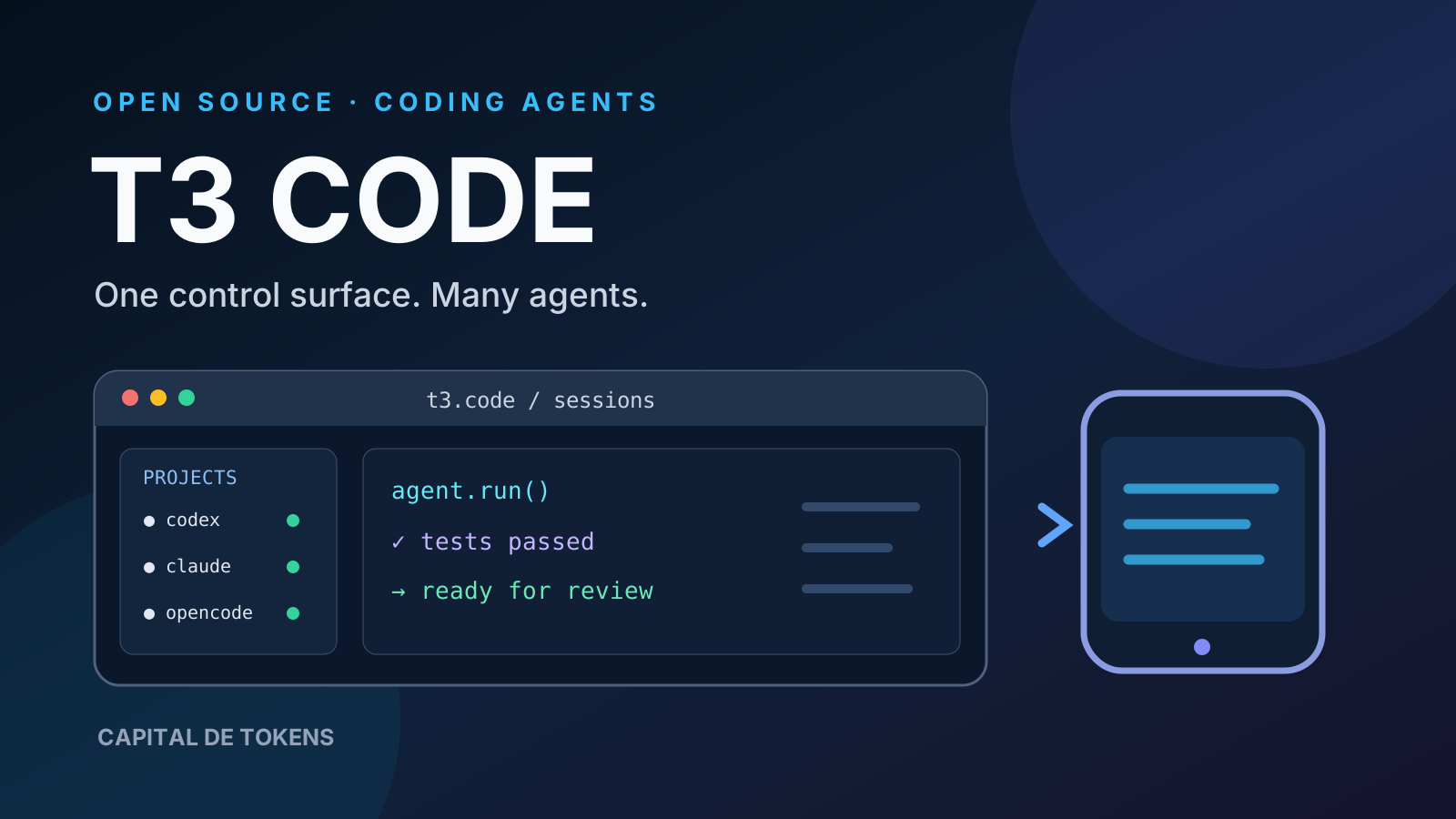
The next big shift in AI-assisted programming may not be a more powerful model, but a better way to direct several agents at once. That is the bet behind T3 Code, the open-source project driven by Theo (t3.gg) and his team.
Its official description is revealing: an agent harness control surface, not another language model or a universal replacement for code editors. T3 Code provides desktop, browser, and mobile interfaces for working with coding agents that developers already use. The central idea is to separate the engine doing the coding from the interface used to supervise it.
What T3 Code is—and what it is not
The official pingdotgg/t3code repository describes a control surface for agents running on your own machine. Its current setup instructions list providers and tools including Codex, Claude Code, Cursor, Grok Build, OpenCode, Google Antigravity, and fx, provided that each is configured through its supported authentication mechanism.
It helps to distinguish three layers:
- Provider or agent: the system that reasons, invokes tools, and edits code.
- Execution environment: the machine holding the repositories, files, processes, and agent credentials.
- Control surface: where a person opens sessions, sends instructions, and checks outcomes.
T3 Code primarily occupies the third layer. A unified interface does not mean that every underlying model subscription is included for free. The project explicitly builds on tools and accounts the developer already has.
Why multi-agent developers might care
Working with one assistant in a terminal is manageable. Things become harder when a developer has several tasks in progress: one investigates a bug, another writes tests, a third reviews a patch, and a fourth awaits a decision.
Constantly switching windows and tools can become the bottleneck. T3 Code aims to provide a place to see sessions and decide where human attention is needed. In his public walkthrough published October 29, 2026, Theo demonstrated conversation organization, remote session control, and ways to manage ongoing agent work.
The advantage is not that models stop making mistakes. It is that a person may find it easier to orchestrate, compare, and stop work without losing track of the different interfaces.
Architecture: a local server, multiple clients
The README distinguishes the server running on the user’s machine from the clients used to control it. Developers can use a local web interface, an Electron-based desktop client, or mobile clients for inspecting and directing sessions.
That separation matters. A phone interface does not imply that the code executes on the phone: the actual working environment remains on the machine running the agent and hosting the projects. If that machine is off or unreachable, remote use depends on how access has been configured.
The project documents remote access, permission modes, source control integrations, and multiple accounts. Those instructions deserve careful reading; open-source software is not automatically secure when exposed over a network.
Open source does not mean finished
T3 Code is distributed under the MIT license, which allows people to inspect and fork the project while respecting the license terms. Transparency matters for an application positioned between developers and agents that can interact with local files and development processes.
Still, its maintainers describe the project as very early and warn users to expect bugs. They also say they are not broadly accepting major contributions yet. A polished product demonstration is therefore not evidence of enterprise-grade stability.
The relevant evaluation is not merely a feature comparison. It is whether a specific release works reliably with your providers, operating system, authentication, and review workflow.
The critical boundary: permissions and remote control
An application that sends instructions to a coding agent may indirectly trigger filesystem operations, shell commands, or repository changes. However convenient the interface feels, real privileges are still exercised by the underlying tools.
Before adopting it, developers should:
- Verify each provider’s permission mode and require confirmation for sensitive operations.
- Avoid exposing the server publicly without reviewing the supported remote-access configuration.
- Understand how sessions and credentials are stored or reused.
- Start with a low-risk repository and inspect
git diffbefore accepting changes. - Keep automated tests and human review: a polished dashboard does not make AI-generated code correct.
Most importantly, managing multiple sessions is not the same as running independent, properly isolated, secure agents. Isolation requires explicit design for permissions, environments, concurrency, and recovery.
Who is it for?
T3 Code can be compelling for developers who already subscribe to one or more coding-agent tools, switch providers, and want to manage sessions from different screens. It is also an interesting case study for anyone exploring agent harnesses: the surrounding systems that define an agent’s tools, context, and controls.
It may add little value if you only use coding assistants occasionally, depend on editor-specific integrations, or require enterprise security policies that you have not verified against this project.
Conclusion: from one assistant to an operations console
T3 Code reflects a broader transition: developers are moving from asking which model writes a function best to asking how people coordinate agents working on real systems.
Its most interesting idea is separating the AI provider from the supervision experience. If that separation matures, developers may switch engines without rebuilding the way they organize work. But its long-term value depends on clear permissions, dependable sessions, and verifiable results.
The important question is not how many agents a dashboard can display. It is how much work a person can supervise correctly without losing control.