 Capital de Tokens
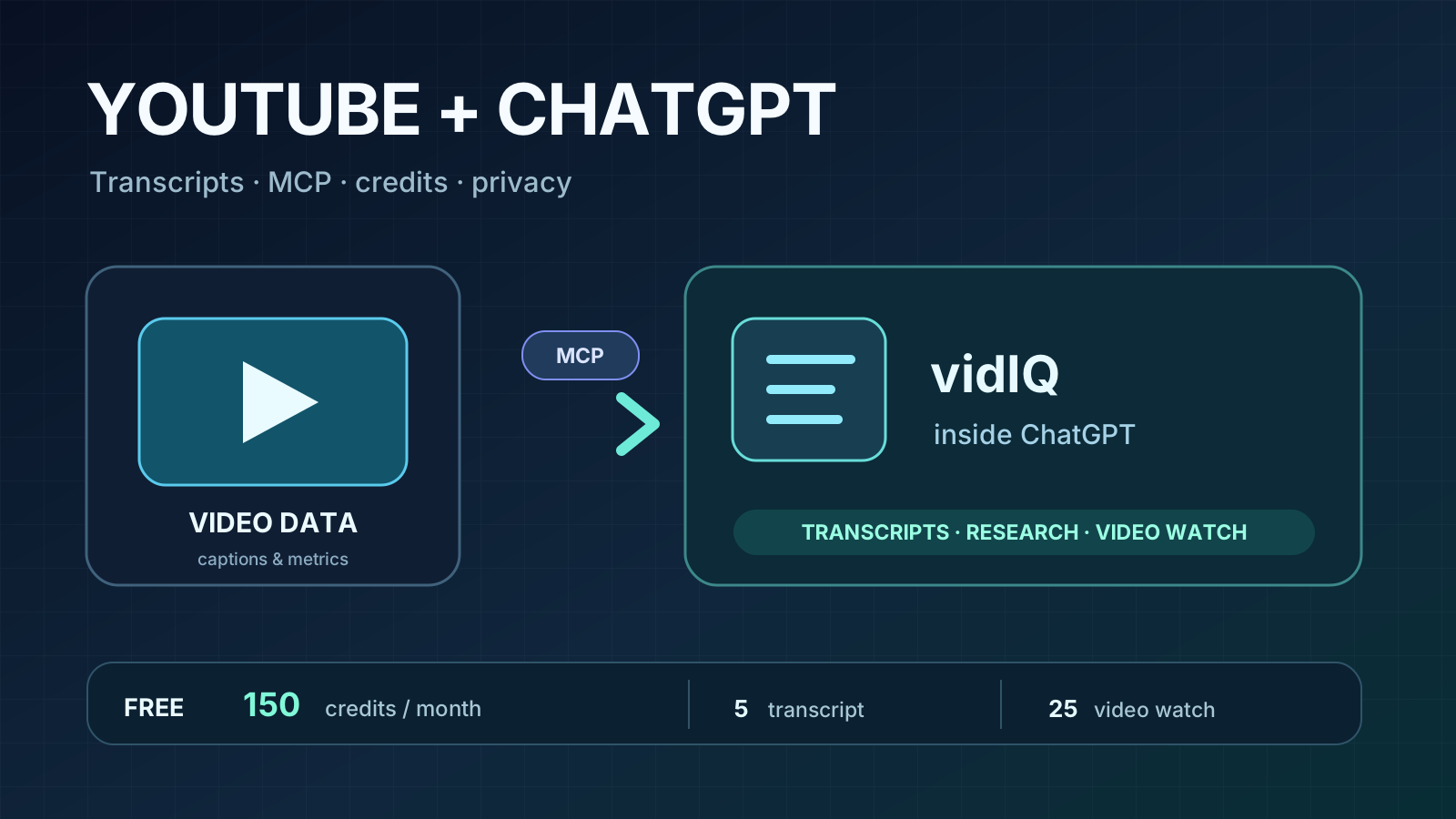
A YouTube link is not always enough for an AI assistant to summarize a video: it may find the page but fail to retrieve the transcript. vidIQ provides a ChatGPT app that adds specialized YouTube tools through MCP. It can research channels, retrieve statistics, and access available transcripts from a conversation.
That does not mean it can “watch” every video or offer unlimited free analysis. The important questions are which tools run, what they cost, and what access they receive.
Chrome extension or ChatGPT app?
There are three related offerings:
- vidIQ app for ChatGPT: installed from ChatGPT’s app directory, authorized with a vidIQ account, and invoked with
@vidIQ. No browser extension is necessary. - vidIQ browser extension: adds creator-facing features directly to YouTube web pages. This is not what the ChatGPT “Install” button installs.
- MCP server: uses the Model Context Protocol to provide tools to compatible assistants. ChatGPT handles the connection without manually configuring
https://mcp.vidiq.com/mcp.
The official ChatGPT integration guide describes installation and capabilities.
What can it do?
Retrieve transcripts and summarize videos. When video text or captions are available, a tool can retrieve them so an assistant can summarize arguments, answer questions, and isolate factual claims. Always confirm the transcript was retrieved: private, restricted, or inaccessible videos may still fail.
Analyze longer videos. The Video Watch tool offers a deeper analysis at a higher credit cost. Transcripts alone do not necessarily capture diagrams, code, or screen demonstrations; important visual details may need separate evidence.
Research channels and trends. vidIQ can return public statistics, channel outliers, search keywords, and competitor comparisons. Private analytics are limited to channels connected and authorized by their owners.
Free tier and tool costs
According to the official plans and MCP credits guide, as of October 20, 2026:
| Plan | Monthly AI credits | Price |
|---|---|---|
| Free | 150 | $0 |
| Boost (one channel) | 2,000 | Paid |
| Max (one channel) | 6,000 | Paid |
Multi-channel plans have different credit allocations. Check live pricing and billing terms before subscribing.
| MCP operation | Credits per call |
|---|---|
| Transcript or typical research | 5 |
| Short-form analysis | 10 |
| Long-form Video Watch | 25 |
| Credit balance lookup | 0 |
In theory, 150 credits cover 30 transcript-tool calls or 6 Video Watch calls. These are not guaranteed numbers of videos summarized: a single prompt can trigger multiple tool calls. vidIQ features share one credit pool and unused monthly credits do not roll over. See the detailed allowance table.
Cost-saving tip: start with the transcript tool and reserve full analysis for videos that require deeper investigation.
Installation and first use
- Open vidIQ for ChatGPT and select Install.
- Sign in or create a vidIQ Free account.
- Review permissions and authorize the app.
- Type
@vidIQin ChatGPT followed by a question or video URL. - Check remaining credits with
@vidIQ how many credits do I have left?(balance checks are free).
vidIQ Free includes access to the integration, but ChatGPT app availability depends on plan, region, and workspace settings. Paying for ChatGPT does not provide additional vidIQ credits.
Example prompts
@vidIQ retrieve the transcript for [URL] and summarize the five main points. If unavailable, say so without inventing the video’s contents. Avoid Video Watch to save credits.
@vidIQ find recent standout videos about AI agents. Compare their public metrics with their channels’ typical performance.
@vidIQ retrieve the transcript for [URL], distinguish verifiable claims from opinions and predictions, and identify assertions needing independent sources.
Is it safe to connect?
vidIQ describes OAuth authentication: the assistant receives an authorization rather than the vidIQ password, and access can be revoked. This improves credential separation, but does not eliminate all third-party service risks.
The central distinction is between researching public videos and connecting a YouTube channel you own. Public research does not require access to your private analytics. Connecting your channel may require permissions to read analytics and earnings reports, and manage videos and playlists. These are documented in vidIQ’s YouTube permissions article.
Connection methods also differ. The current ChatGPT app guide says an authenticated app can propose edits to existing videos’ metadata or thumbnails, but only with owner approval; it cannot upload new videos. Read-only API keys support fewer operations. It would be wrong to assume every MCP connection is always read-only.
Apply the principle of least privilege: if you only need public-video transcripts, avoid connecting your own channel or granting management access without a reason. Review what data goes to the provider and how to revoke the connection.
Is a paid plan worthwhile?
For occasional video summaries, start with Free. Track the credits used per request, video accessibility, and the value of the results. Boost and Max make more sense when you also use scripts, thumbnails, and growth research.
The larger lesson extends beyond vidIQ: MCP gives AI assistants specialized tools backed by current external data, but introduces permission, cost, and availability boundaries. Good analysis still means verifying which evidence a tool actually retrieved rather than assuming it knows everything.