 Capital de Tokens
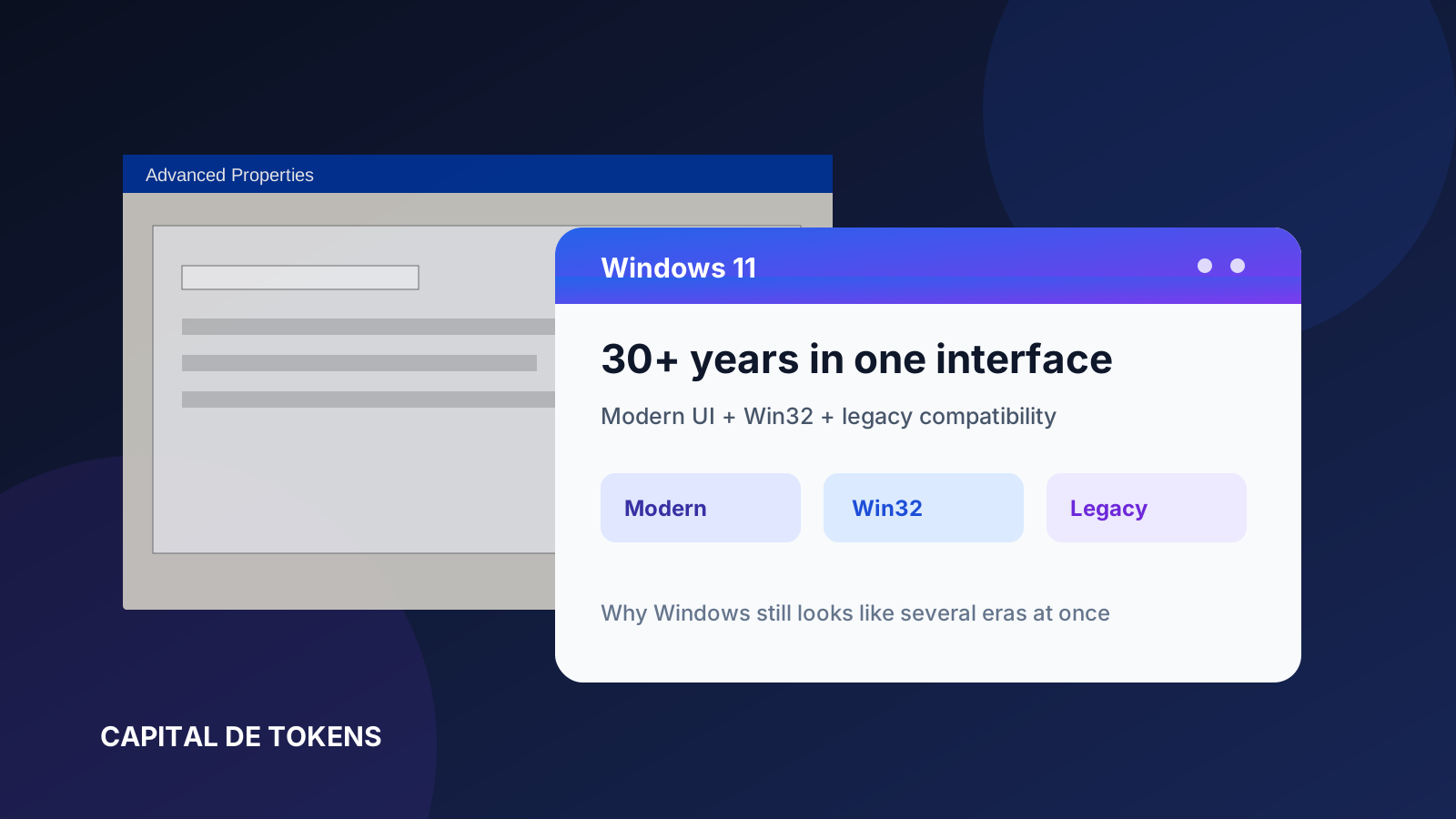
Open Settings in Windows 11 and everything looks modern: rounded corners, new icons, clean typography, and panels designed for today’s displays.
Then open an advanced networking option, enter an adapter’s properties, reach IPv4, and suddenly the interface looks like Windows 7. A few more clicks can reveal a dialog that would not look out of place in Windows XP.
That is not an illusion.
Windows 11 contains interface technologies created in very different eras. Some are modern; others have roots going back decades. The main reason is that Microsoft has made backward compatibility a core Windows feature.
Windows is accumulated, not replaced
Windows 11 was not built as an entirely new operating system.
It belongs to a technical lineage that reaches back to Windows NT, which Microsoft introduced in 1993. Since then, the platform has evolved continuously rather than being replaced wholesale.
Microsoft still documents Win32 as a first-class native platform for desktop Windows applications. WinRT, .NET, COM, and other layers can coexist on the same machine.
That means the interface we see does not come from a single technology.
One PC may simultaneously contain:
- modern WinUI applications;
- Win32 windows;
- COM components;
- MMC administration tools;
- panels using classic controls;
- .NET applications built with Windows Forms or WPF;
- 32-bit programs running through WOW64.
Windows is less like a house rebuilt from scratch and more like a city that has been expanding for decades.
Compatibility is a product decision
Microsoft describes Windows 11 as “compatible by design” and says it continued the compatibility approach used for Windows 10.
That sentence explains much of the visual inconsistency.
A company may depend on an application written 15 or 20 years ago. A hospital may use software tied to specialized hardware. A factory may rely on an administration console created for an older Windows generation. A small business may still run a Win32 application that was never modernized.
If Microsoft suddenly removed older APIs, controls, or behaviors, many of those applications could stop working.
So Windows preserves layers that look visually outdated.
This is not always a case of Microsoft simply forgetting to redesign them. Many are connected to infrastructure that needs predictable behavior.
Win32 is still alive
One of the clearest examples is Win32.
Microsoft continues to define Win32 as Windows’ native platform for desktop applications. Its current documentation covers windows, messages, controls, menus, the Shell, graphics, devices, security, storage, and many other subsystems.
Microsoft’s documentation also notes that what we now call the Windows API has roots that extend back into 16-bit Windows.
That has an important consequence.
Even if Windows 11 presents a modern visual layer, an enormous amount of software still communicates with the operating system through APIs that have existed for decades.
Replacing all of that would not merely mean “changing the design.”
It would mean changing software contracts used by millions of applications.
Even the graphics stack tells the story
Windows graphics provide a miniature history of this evolution.
Microsoft explains that GDI was the original Windows graphics interface, first written for 16-bit Windows and later updated for 32-bit and 64-bit systems.
Then came GDI+, introduced with Windows XP.
Later, newer technologies such as Direct2D and DirectWrite arrived.
The newer technologies did not automatically erase the older ones.
They were added alongside them.
That pattern appears repeatedly throughout Windows:
older technology
      ↓
new layer
      ↓
compatibility
      ↓
another new layer
      ↓
more compatibility
The result is technically powerful but visually uneven.
Why Microsoft cannot simply rewrite everything
The obvious question is:
Why not rebuild every old window using the Windows 11 design?
Because large rewrites create risk.
A seemingly simple panel may be connected to:
- drivers;
- corporate policies;
- administration scripts;
- third-party APIs;
- Shell extensions;
- support tools;
- accessibility software;
- automation;
- years of enterprise documentation.
Changing the interface may alter identifiers, workflows, messages, automation paths, or unexpected dependencies.
Rebuilding a tool that already works also competes for engineering resources with security, performance, AI features, new functionality, and basic maintenance.
From an engineering perspective, an ugly but stable dialog can be safer than an elegant rewrite containing new bugs.
Windows deliberately preserves old behavior
Compatibility goes deeper than appearance.
Microsoft documents mechanisms that allow Windows to provide applications with behaviors associated with earlier operating-system generations.
Application manifests, for example, can declare which Windows versions an application was designed to support. That helps Windows preserve behavior expected by older software.
WOW64 serves a related purpose: it lets 32-bit Windows applications run seamlessly on 64-bit Windows.
Some old device-name and path conventions are also explicitly retained for backward compatibility.
Windows archaeology therefore exists below the surface as well.
It is embedded in technical contracts.
The “time machine” effect
This is why Windows 11 can produce a path like this:
Windows 11 Settings
          ↓
modern panel
          ↓
advanced option
          ↓
Win32 window
          ↓
classic properties
          ↓
dialog styled like 15-20 years ago
From the user’s perspective, it feels inconsistent.
From the operating system’s perspective, each screen may belong to a different technological generation.
And they all still work together.
The price of compatibility
This strategy has major advantages.
Windows can run an extraordinary amount of older software. Companies and users do not need to replace their entire software ecosystem every time Microsoft releases a new version.
But the cost is visible:
- Settings and Control Panel can overlap;
- menus and dialogs use multiple design languages;
- some administration tools appear frozen in another era;
- certain options are split between modern and classic interfaces;
- the overall experience is less coherent than a system designed all at once.
Windows’ inconsistency is, in part, technical debt turned into compatibility.
An old-looking dialog is not necessarily unchanged XP code
One distinction matters.
A window that looks like Windows XP does not necessarily contain source code that has remained untouched since 2001.
Microsoft has patched vulnerabilities, replaced libraries, changed internal implementations, and updated components for years.
What may be inherited is:
- the API;
- the programming model;
- the visual control;
- the tool’s workflow;
- the contract with applications;
- or simply the visual style.
The technical continuity is real, but it should not be confused with the idea that Windows 11 is running exactly the same unchanged code from 25 years ago.
Can Microsoft finally eliminate the inconsistency?
It can reduce it.
Microsoft has spent years moving functionality into Settings and offering newer development technologies such as Windows App SDK and WinUI.
A total cleanup, however, would be extremely expensive.
As long as Windows prioritizes running decades of business and desktop software, some mixture of modern and legacy components will probably remain.
Paradoxically, one of the things that makes Windows look old is also one of the reasons it remains so useful.
The inconsistent interface is not only an aesthetic flaw. It is the visible footprint of more than three decades of accumulated compatibility.
Sources
- Microsoft Learn — Compatibility for Windows 11
- Microsoft Learn — Programming reference for the Win32 API
- Microsoft Learn — Windows API index
- Microsoft Learn — Overview of the Windows Graphics Architecture
- Microsoft Learn — Running 32-bit Applications (WOW64)
- Microsoft Learn — App executable manifest
- Microsoft — The History of Microsoft: 1993