 Capital de Tokens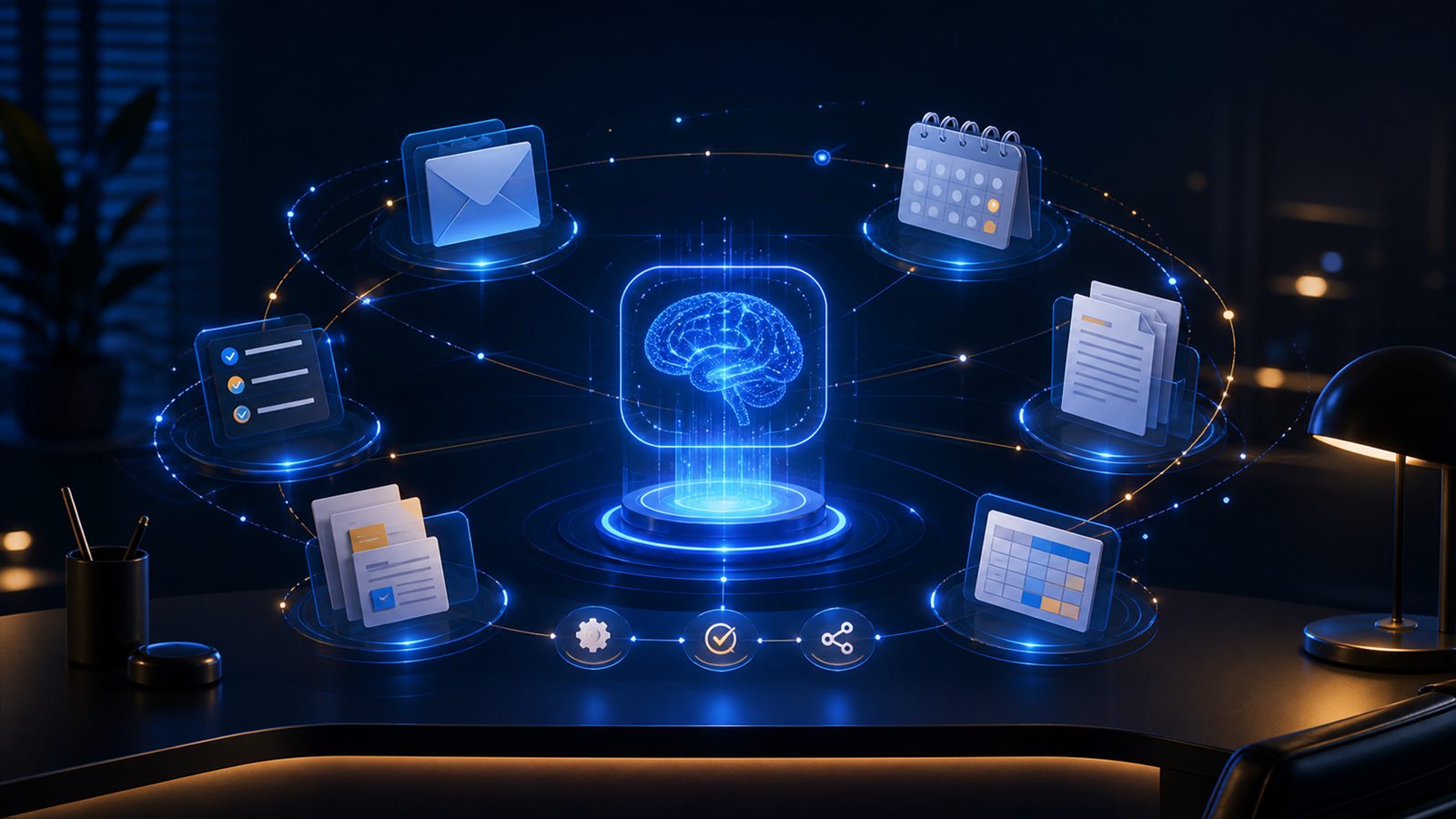
For years we used ChatGPT in a very specific way:
question
  ↓
model
  ↓
answer
  ↓
human copies the answer
  ↓
human opens another application
  ↓
human executes the work
The model helped us think.
But the last mile was still human.
You had to copy the email into Gmail.
Manually create the event in Calendar.
Open Excel or Sheets.
Search for files.
Move information between applications.
A recent video by Gustavo Entrala, “El nuevo ChatGPT tiene SUPERPODERES y no los estás usando”, is interesting precisely because it shows how that architecture is beginning to break apart.
Entrala tests fairly ordinary tasks:
- preparing an email;
- researching news every day;
- turning a video into a presentation;
- reorganizing his calendar;
- finding invoices in email and building a spreadsheet;
- recovering information scattered across applications.
The demos are eye-catching.
But the important point is not that ChatGPT can make a nice presentation.
The real transformation is this:
BEFORE

Human
  ↓
ChatGPT
  ↓
answer
  ↓
Human
  ↓
application

NOW

Human
  ↓
ChatGPT
  ↓
tools / apps / browser / files
  ↓
application
  ↓
result
The model stops being only a source of answers.
It begins to become an operational layer on top of the software we already use.
And that may be much more important than an incremental improvement in the model itself.
The email demo: the human stops transporting context
One of the first tests in the video is very simple.
Entrala has an email draft open for Ethan Mollick, a Wharton professor and one of the best-known voices around practical AI adoption.
Instead of copying the draft into ChatGPT, asking for suggestions, copying the response, and returning to email, he does something conceptually different:
"read the draft I have open,
research recent information,
and leave a prepared version in Gmail"
The difference looks small.
But it removes the user as the human integration bus.
Before:
Safari
  ↓ copy
ChatGPT
  ↓ copy
Gmail
Now:
ChatGPT
  ├── observes context
  ├── researches
  ├── drafts
  └── acts in Gmail
That pattern repeats throughout almost every other demo.
The important thing is no longer only generating the right text.
It is carrying the result all the way to the place where it needs to live.
From “answer” to “finished result”
OpenAI currently describes ChatGPT Work as an agent for longer, more complex tasks that can research, analyze information, work across apps and files, and produce finished documents, spreadsheets, presentations, reports, and other deliverables.
It is not simply a new visual tab.
It represents a different expectation for what the system should do.
A traditional chat optimizes for:
prompt → answerWork optimizes for something closer to:
goal
  ↓
gather context
  ↓
plan
  ↓
use tools
  ↓
create artifacts
  ↓
verify
  ↓
deliver result
OpenAI describes it as an experience for turning goals into finished work and keeping projects moving while the user retains control over important actions.
That changes the unit of value.
The unit is no longer only a message.
It starts to become a completed task.
Apps are the agent’s nervous system
The word plugins appears repeatedly in the video.
ChatGPT terminology has changed several times across connectors, apps, and plugins, but the architectural idea is stable: ChatGPT needs structured interfaces to access the systems where our data lives and where our actions happen.
OpenAI currently documents connected apps as a way for ChatGPT to search for information, incorporate context, and, when the app supports it and the user has the right permissions, execute actions.
We can picture it like this:
                    ┌── Gmail
                    ├── Google Calendar
                    ├── Google Drive
User → ChatGPT ─────┼── Slack
                    ├── GitHub
                    └── other apps
Conversation becomes a common entry point.
The user no longer has to think first:
“Which application do I need to open?”
They can think:
“What do I want to accomplish?”
And the agent decides which tool it needs.
This shift fits a thesis we have analyzed before at Capital de Tokens: applications may start becoming backends for agents.
Gmail remains Gmail.
Calendar remains Calendar.
GitHub remains GitHub.
But more and more work can reach those products through a higher-level interface: the agent.
Scheduled Tasks: the most underrated leap
In the video, Entrala asks for a daily report on the impact of artificial intelligence on work.
He does not simply want a search.
He wants the system to come back tomorrow.
And the day after.
And the next day.
That radically changes the relationship with the model.
A traditional chatbot exists when the user writes.
A scheduled task introduces temporal persistence:
User defines objective
       ↓
ChatGPT stores task
       ↓
clock / condition
       ↓
ChatGPT runs again
       ↓
result + notification
OpenAI currently documents Scheduled Tasks for one-time jobs, recurrence, change monitoring, and, on certain plans and surfaces, event-triggered tasks.
For example:
"Every day at 10 AM,
find reliable updates about AI and employment,
cross-check the sources, and tell me what changed."
The key detail is that the user does not need to manually initiate every run.
That is where one of the defining properties of a persistent agent appears:
the ability to return to work without the human having to remember to start again.
From cron to an agent with context
Engineers have automated work with cron for decades.
0 10 * * * script.shSo what is special about a Scheduled Task?
The difference is the reasoning layer.
Traditional cron executes a rigid instruction:
every day
  ↓
run script
An agentic task can execute an intent:
every day
  ↓
review new information
  ↓
compare it with what came before
  ↓
decide what is relevant
  ↓
summarize
  ↓
notify only if it matters
Automation is no longer limited to a deterministic function.
It can contain semantic evaluation.
That enables patterns such as:
if important news appears → alert me
if nothing meaningful changed → do not bother me
Or:
every morning
  ↓
review email
  ↓
identify important messages
  ↓
cross-check with calendar
  ↓
prepare briefing
It is not magic.
It is still software executing instructions and tools.
But natural language starts to become a way to program higher-level automations.
The calendar shows something more important than creating events
Another demo in the video is about organizing the rest of August.
Entrala dictates several rules:
- reserve mornings for writing a book;
- dedicate afternoons to videos;
- set aside specific time to develop the channel;
- keep weekends free.
The interesting part happens when the system detects a conflict with an event that already existed.
At that point the agent is not blindly executing a list.
It is doing something like:
read current state
  ↓
interpret new constraints
  ↓
detect conflict
  ↓
ask for decision
  ↓
write changes
This illustrates a critical difference between a macro and an agent.
A macro executes steps.
An agent tries to solve a goal under changing constraints.
The conceptual architecture looks more like:
Goal
  ↓
Observe
  ↓
Plan
  ↓
Act
  ↓
Observe again
  ↓
Replan if needed
That loop —observe, act, observe again— is one of the central pieces of agentic systems.
Invoices → spreadsheet: the value is in crossing applications
The demo that probably has the most practical value for many freelancers and small businesses is the invoice example.
Entrala asks for something like:
find all recent invoices in my email
       ↓
open or inspect the documents
       ↓
extract amounts
       ↓
separate currencies
       ↓
create a spreadsheet
       ↓
add links to the original invoices
None of those individual steps is revolutionary.
The novelty is that the agent can cross several layers:
email
  ↓
classification
  ↓
attachments / documents
  ↓
structured extraction
  ↓
spreadsheet
  ↓
traceability links
That looks much more like enterprise automation than a chatbot.
In the demo, the system finds 19 documents and leaves some invoice amounts blank when it cannot validate them correctly.
Entrala makes a very important observation: the result needs to be reviewed.
That comment should accompany almost every demo of agents operating on real systems.
The principle that matters: separate reading, preparation, and action
The more power an agent receives, the more important authority control becomes.
We can divide actions into three levels:
1. READ
   search
   read
   summarize
   analyze

2. PREPARE
   draft email
   propose events
   prepare purchase
   build document

3. MUTATE
   send
   delete
   publish
   move money
   cancel
   modify data
Not all of them should have the same degree of autonomy.
A prudent architecture could allow:
read automatically
      ↓
prepare automatically
      ↓
confirm before sensitive actions
For example:
ChatGPT drafts email
        ↓
leaves it as a draft
        ↓
human reviews
        ↓
send
Or:
ChatGPT reorganizes schedule
        ↓
detects conflict
        ↓
asks for decision
        ↓
applies changes
As agents become operational layers, permission design stops being a product detail.
It becomes part of core engineering.
Cloud Browser: when there is no perfect API
Structured apps are the ideal path.
But much of the Internet still does not offer a specific integration for agents.
That is where another piece of ChatGPT Work comes in: Cloud Browser.
OpenAI describes it as a remote browser that can read pages, click buttons, fill out forms, and execute steps on compatible sites, including certain authenticated flows.
Conceptually:
ChatGPT Work
    ↓
Cloud Browser
    ↓
website
    ↓
DOM / interface
    ↓
click / type / navigate
This matters because it provides a universal fallback.
The ideal hierarchy could be:
Is there a structured app/tool?
   ├── yes → use it
   │
   └── no
        ↓
   use browser
The same idea appears in WebMCP: the more structured the interface for agents, the less the model needs to rely on interpreting pixels, buttons, and navigation designed for humans.
But until that agent-native web exists universally, the browser remains an essential tool.
Presentations are interesting for another reason
In the video, Entrala asks to turn one of his previous videos into a presentation.
The process includes:
locate video
  ↓
understand content
  ↓
extract structure
  ↓
create slides
  ↓
save file
  ↓
receive feedback
  ↓
redo design
He finds the first cover too plain.
He asks for a more cinematic version.
The system modifies the deliverable.
This shows another difference between an answer and work.
An answer is ephemeral.
An artifact has state.
It can be opened, edited, reviewed, and evolved.
OpenAI documents that ChatGPT Work can create and edit documents, spreadsheets, and presentations, working from instructions, sources, or existing templates.
That change lets the model participate directly in the lifecycle of a deliverable:
idea
  ↓
first draft
  ↓
file
  ↓
review
  ↓
iteration
  ↓
final version
The real “superpower” is composition
Each capability existed individually in some form already.
Search the Internet.
Generate text.
Create documents.
Automate a browser.
Read email through APIs.
Create events.
Run scheduled tasks.
The novelty appears when all those pieces can be composed under the same agent.
                 ┌── reasoning
                 ├── voice
                 ├── web search
                 ├── apps/plugins
User → ChatGPT ──┼── files
                 ├── browser
                 ├── artifacts
                 └── scheduled tasks
In that architecture, the model looks less like an isolated application and more like an orchestrator.
It does not need to replace Gmail, Calendar, Drive, Slack, or GitHub.
It can sit on top of them.
The computer interface begins to change
For decades we learned a very specific grammar for operating computers:
open application
  ↓
find menu
  ↓
select command
  ↓
fill form
  ↓
confirm
Natural language introduces another layer:
"Organize my schedule for the week,
but do not touch Wednesday mornings,
and tell me if there is any conflict."
The interface stops being a sequence of explicit commands.
It becomes a specification of intent.
That does not eliminate graphical interfaces.
It makes them complementary.
The agent can handle mechanical work.
The UI remains excellent for:
- reviewing;
- comparing;
- visualizing;
- correcting;
- confirming;
- understanding state.
We may end up with a hybrid pattern:
natural language → delegate
UI               → supervise
This looks more like an operating system than a chatbot
Not in the literal sense of replacing Windows or macOS.
But in the sense of becoming a layer that coordinates resources and applications.
A classic operating system abstracts hardware:
application
   ↓
OS
   ↓
filesystem / network / processes / devices
A personal agent can begin to abstract software:
user
   ↓
agent
   ↓
email / calendar / browser / files / SaaS
The person specifies the outcome.
The agent manages which resources it needs.
This analogy explains why apps, permissions, automations, and browser use are as important as the model itself.
An excellent model without tools is still mainly an adviser.
A sufficiently capable model with reliable tools can become an operator.
The bottleneck shifts to the harness
This evolution connects with another pattern we are seeing in agent engineering.
Value stops living exclusively in the model.
It starts shifting toward the harness around it.
We can summarize ChatGPT Work like this:
model
+
context
+
apps
+
permissions
+
browser
+
artifacts
+
scheduling
+
monitoring
+
review UI
That echoes what we have analyzed in DeepSeek Harness and Codex as a platform.
The model decides.
But the harness determines:
- what it can observe;
- what it can modify;
- what tools exist;
- how state is stored;
- when it runs again;
- what requires approval;
- what artifacts it produces;
- how it recovers from errors.
Useful intelligence emerges from the combination.
The risk: confusing fluency with reliability
Agentic demos have a dangerous quality.
They feel human.
The system responds naturally.
It navigates.
It creates files.
It detects information.
That can create a false sense of certainty.
But an agent can still:
- misinterpret an instruction;
- select the wrong email;
- confuse an invoice with another document;
- omit an event;
- fill out a form incorrectly;
- misread a page;
- generate plausible but incorrect data.
That is why high-impact workflows should be designed around evidence and reversibility.
A reasonable pattern is:
observe
  ↓
reason
  ↓
propose
  ↓
verify
  ↓
approve if needed
  ↓
act
  ↓
log
Not:
LLM said yes
  ↓
execute immediately
Useful autonomy is not absolute autonomy
There is a simplistic narrative in which the final goal is to remove the human completely.
For many workflows that will not be optimal.
A better division may be:
machine
  → search
  → classification
  → preparation
  → repetition
  → monitoring

human
  → priorities
  → judgment
  → exceptions
  → sensitive decisions
  → accountability
In the invoice example, the agent can reduce hours of mechanical work.
The human remains the person who validates the result before using it for accounting.
In email, the agent can prepare the draft.
The human can decide whether to send it.
In Calendar, the agent can detect a conflict.
The human decides which commitment matters more.
That does not make the agent less powerful.
It makes it more useful.
What we should learn to do with this new layer
If ChatGPT starts operating software for us, knowing how to “prompt” is no longer enough.
We need to learn how to specify work.
A good assignment should include:
goal
+
allowed sources
+
constraints
+
quality criteria
+
forbidden actions
+
stop conditions
+
what needs approval
+
output format
For example, instead of:
"look at my invoices"we might ask:
"Find invoices received during the last 60 days.
Include vendor, date, currency, and amount.
Do not convert currencies.
If an amount cannot be verified, leave it blank.
Include a link to the original email.
Do not delete or archive messages.
Create a spreadsheet and give me a summary of anomalies."
That looks much more like writing a specification than having a casual conversation.
And that may become one of the core skills of the next stage of agent productivity.
From chatbot to digital delegate
The evolution can be summarized in four stages.
Stage 1 — chatbot
question → answerStage 2 — copilot
user works
      +
AI suggests
Stage 3 — agent
goal
  ↓
AI uses tools
  ↓
completes task
Stage 4 — persistent agent
goal
  ↓
agent
  ↓
works now
  ↓
returns later
  ↓
monitors changes
  ↓
notifies / acts
Scheduled Tasks, apps, and Work push ChatGPT clearly toward those last stages.
The important question stops being:
“How good was the answer?”
And starts becoming:
“What work actually got finished?”
Conclusion
The title of Gustavo Entrala’s video talks about “superpowers.”
The word works for YouTube, but technically the phenomenon is more interesting.
We are not seeing a single superpower.
We are seeing the composition of several layers:
capable model
+
context
+
apps
+
browser
+
voice
+
files
+
artifacts
+
automations
Each one removes part of the coordination work that the person used to perform.
And when they are combined, ChatGPT stops being merely a place where you ask questions.
It starts becoming a place from which to operate the rest of the digital environment.
That change may be much more important than any isolated benchmark from the next model.
Because productivity does not depend only on how much an AI knows.
It depends on whether it can turn that knowledge into reliable actions inside our systems.
The transition we are seeing can be summarized like this:
AI that answers
      ↓
AI that helps
      ↓
AI that acts
      ↓
AI that acts again when needed
And in that last step, a chatbot really begins to look like a personal agent.
Sources
- Gustavo Entrala — El nuevo ChatGPT tiene SUPERPODERES y no los estás usando
- OpenAI — ChatGPT Work
- OpenAI — ChatGPT is now a partner for your most ambitious work
- OpenAI Help Center — ChatGPT Work and Codex
- OpenAI Help Center — Using cloud browser in ChatGPT
- OpenAI Help Center — Scheduled Tasks in ChatGPT
- OpenAI Help Center — Connected apps in ChatGPT
- OpenAI Help Center — Creating and editing documents, spreadsheets, and presentations with ChatGPT Work
- OpenAI Help Center — Google App for ChatGPT – Data Controls FAQ