 Capital de Tokens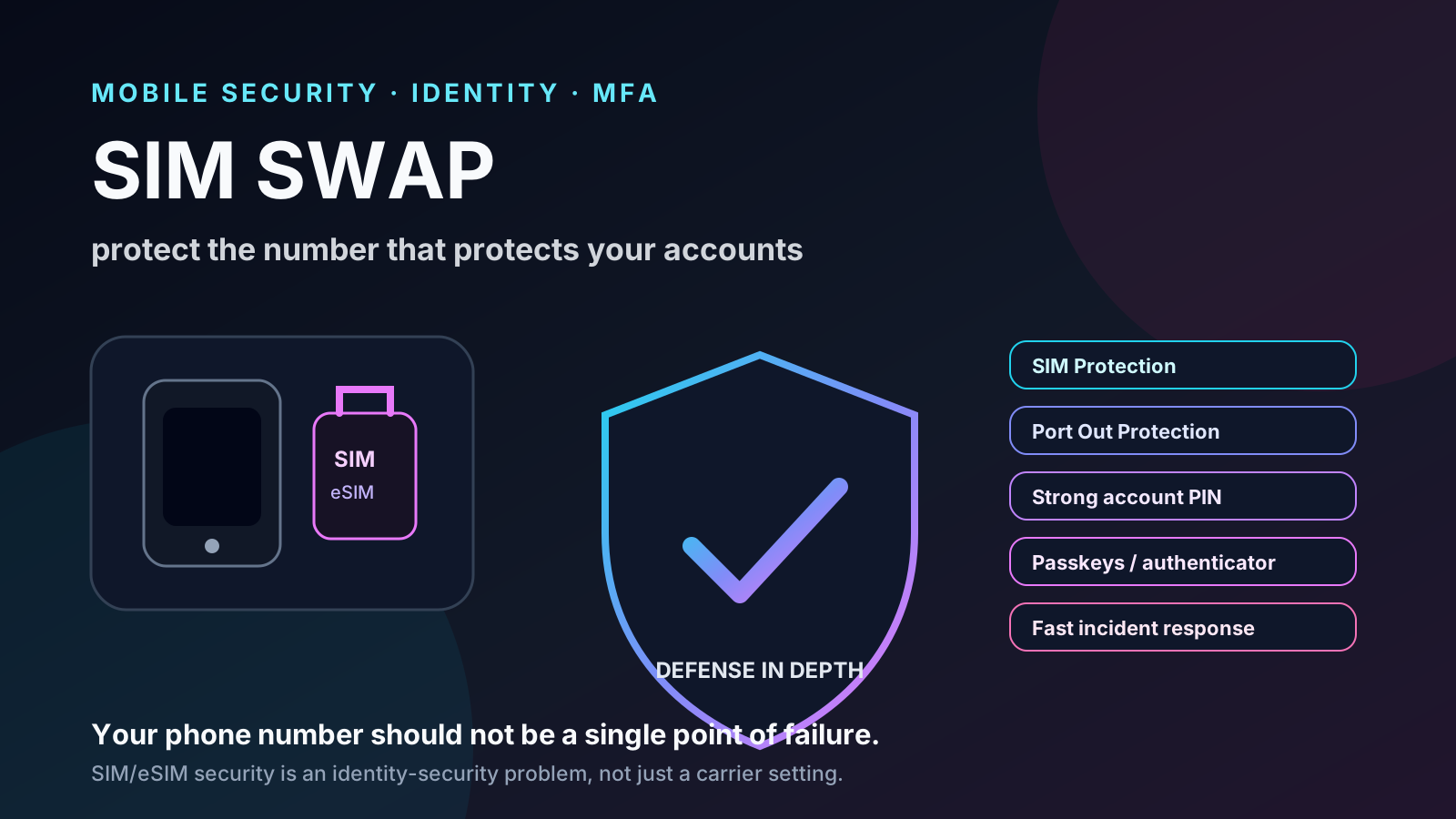
A phone suddenly losing service can be an ordinary outage. It can also be one of the first signs of a particularly dangerous attack: a SIM swap.
The idea is simple. An attacker gets the carrier to reassign a phone number to a SIM or eSIM the attacker controls. From that point on, the attacker may receive calls and text messages intended for the victim. If other accounts rely on SMS codes for login or password recovery, the phone number can become a bridge into email, banking, social media, and other services.
No physical SIM cloning is required. Moving to eSIM does not eliminate the problem either. The critical question is who can convince or authorize the carrier to move the line.
This guide explains the attack from a defensive perspective, the protections T-Mobile publicly documents, and what to do if a number appears to have been moved without authorization.
Information verified on September 26, 2026. Carrier policies can change, so check the official pages before changing account security settings.
What exactly is a SIM swap?
T-Mobile describes SIM swap fraud as a situation in which a criminal impersonates a customer and tricks the mobile provider into transferring the victim’s number to another SIM. Once the attacker controls the number, they may try to intercept verification codes, reset passwords, or take over other accounts.
Source: T-Mobile — Understanding SIM Swap Fraud
The FTC describes the same pattern: a scammer persuades the carrier to activate a new SIM associated with the victim’s number. If the provider accepts the request, the attacker’s device begins receiving the calls and messages.
Source: FTC — SIM Swap Scams: How to Protect Yourself
The attack chain looks like this:
stolen personal data or credentials
              ↓
impersonation at the carrier
              ↓
SIM / eSIM reassignment
              ↓
attacker receives calls and SMS
              ↓
attempted recovery of other accounts
The phone line is usually not the final prize. It is a bridge into the rest of a person’s digital identity.
eSIM does not remove the risk
An eSIM replaces the removable chip with a digital profile, but the number is still associated with an identity that a carrier can move between devices.
T-Mobile describes eSIM as a digital SIM and supports SIM/eSIM transfer and activation through its account flows.
Source: T-Mobile — SIM card & eSIM
From a security perspective, the important question is not:
“Physical SIM or eSIM?”
It is:
“What controls prevent someone else from authorizing a move of my line?”
There is also an important exception. T-Mobile’s dedicated support page says SIM Protection does not prevent eSIM transfer on Apple devices, because that process already includes additional security steps.
Source: T-Mobile — SIM Protection
What changes in the age of AI?
Social engineering is much older than generative AI, but AI can make impersonation more convincing.
In its 2026 scam guidance, T-Mobile warns that AI voice scams can use cloned or generated voices to impersonate relatives, coworkers, managers, or other familiar people.
Source: T-Mobile — How to Spot and Avoid Phone Scams in 2026
That does not mean a cloned voice is enough to perform a SIM swap, and it does not mean T-Mobile authenticates requests solely by voice. The defensive lesson is narrower: a familiar-sounding voice should no longer be treated as strong proof of identity.
The stronger barriers are controls that do not depend on sounding like the right person: account PINs, permissions, MFA, SIM locks, and port-out controls.
SIM Protection: the control aimed at SIM changes
T-Mobile offers SIM Protection, a free feature intended to reduce common forms of SIM swap fraud.
Its dedicated support page says the control can be applied to individual lines or the entire account. For T-Mobile Postpaid, the Primary Account Holder or a user with Authorized User Access can turn it on.
T-Mobile’s account settings page adds an especially useful detail:
- the Primary Account Holder or an Authorized User can enable SIM Protection;
- only the Primary Account Holder can disable it.
Sources:
That asymmetry is useful: more than one trusted account user may be able to add the defense, while removing it is more restricted.
Why is it not necessarily enabled by default?
The public pages reviewed here do not give an official explanation for why SIM Protection is not automatically enabled on every eligible line.
They do document two relevant facts:
- moving a SIM is a legitimate operation used when replacing or upgrading a device;
- T-Mobile’s instructions for some SIM/eSIM changes tell customers to make sure SIM Protection is disabled before starting the transfer.
Source: T-Mobile — SIM card & eSIM
That shows a real usability tradeoff between blocking unauthorized changes and allowing legitimate ones. It should not be turned into an official explanation that T-Mobile has not published.
Port Out Protection solves a different problem
A SIM swap and a port-out are related but different attacks.
In a SIM swap, the number remains with the same carrier but is reassigned to another SIM or device.
In port-out fraud, the number is transferred to another carrier.
T-Mobile offers Port Out Protection to block unauthorized number transfers. It is added per line. For Postpaid accounts, an Authorized User can add it, while the Primary Account Holder is required to remove it.
T-Mobile also uses a Temporary Port Out PIN for transferring a personal number away from the carrier. Its support page says only the Primary Account Holder can generate that PIN, and the flow may require additional verification.
Source: T-Mobile — Transfer your phone number / Port Out Protection
Think of them as two separate boundaries:
| Risk | Main protection |
|---|---|
| Reassigning the SIM/eSIM within the carrier | SIM Protection |
| Moving the number to another carrier | Port Out Protection + Temporary Port Out PIN |
Neither replaces the other.
The account PIN still matters
T-Mobile says its accounts use a 6-to-15-digit PIN and recommends making it strong and difficult to guess. The company has also explained that the PIN is used in customer authentication and porting-related processes.
Source: T-Mobile — Understanding SIM Swap Fraud
A PIN based on birthdays, repeated digits, obvious sequences, or public information is much weaker.
The overall model should look more like:
unique T-Mobile ID password
        +
strong account PIN
        +
MFA / biometrics
        +
SIM Protection
        +
Port Out Protection
There is no single magic setting. Security comes from overlapping controls.
SMS is a weak point in the authentication chain
SMS-based MFA is better than relying on a password alone, but a SIM swap attacks the channel that receives the second factor.
The FTC recommends considering stronger authentication for sensitive accounts, such as an authenticator app or a security key.
Source: FTC — SIM Swap Scams
Passkeys are also a strong option when a service supports them.
For primary email, financial accounts, password managers, and services that can reset other credentials, a defensive preference is:
passkey / hardware security key
        ↓
authenticator app
        ↓
SMS
The goal is to avoid making the phone number the only recovery path for the most important accounts.
What U.S. rules require
SIM swap protection is not based only on voluntary carrier policy.
In 2023, the FCC adopted rules addressing SIM swap and port-out fraud. Among other things, the rules require wireless providers to use secure methods to authenticate customers before redirecting a phone number to a new device or provider.
The FCC also requires carriers to immediately notify customers when a SIM change or port-out is requested, before the operation is completed except for specific legal exceptions.
Source: FCC — Protecting Consumers from SIM Swap and Port-Out Fraud, FCC 23-95
That creates an industry baseline, but it does not make carrier-specific protections unnecessary.
What does T-Mobile say happens after an incident?
T-Mobile’s public guidance is straightforward: if a customer believes unauthorized changes were made to the account, the customer should contact T-Mobile immediately.
The company publishes these contact options:
- 611 from a T-Mobile phone;
- 1-800-937-8997 from another device;
- a T-Mobile store.
Source: T-Mobile — How T-Mobile Helps Customers Fight Account Takeover Fraud
T-Mobile also says that in a small number of extreme account-takeover cases it works with customers individually to apply additional security measures that further restrict account changes.
That is meaningful, but it should be separated from what the cited public guidance does not promise universally: the reviewed pages do not publish a fixed recovery-time guarantee or a universal compensation schedule for every SIM swap incident.
What to do immediately if you suspect a SIM swap
Unexpected loss of service does not prove an attack, but it deserves urgent attention when it appears without explanation and coincides with account-change alerts or suspicious login attempts.
A reasonable incident plan is:
- Contact the carrier from another phone and explicitly report a possible unauthorized SIM change.
- Regain control of the number and ask for further account changes to be restricted while the incident is reviewed.
- Secure the primary email account first, because it is often the recovery path for everything else.
- Change passwords on critical accounts and terminate unknown sessions.
- Review banks, cards, and financial services for unauthorized activity.
- Replace SMS MFA with stronger authentication where possible.
- If identity information was stolen, use IdentityTheft.gov for a recovery plan.
- When appropriate, file a complaint with the FCC.
The FTC recommends contacting the carrier immediately to take back control of the number, then changing passwords and checking financial accounts.
Source: FTC — SIM Swap Scams
Hardening checklist
For an eligible T-Mobile account, the practical goal is to make stolen personal information insufficient to move the number.
- Enable SIM Protection on important lines.
- Enable Port Out Protection on every line.
- Use a strong account PIN unrelated to public information.
- Protect the T-Mobile ID with a unique password.
- Enable 2-step verification and biometrics where available.
- Avoid SMS as the only second factor for email, banking, and password managers.
- Prefer passkeys, authenticators, or hardware security keys for critical accounts.
- Reduce the amount of personal information exposed publicly.
- Treat an unexplained loss of cellular service as something worth checking quickly.
- Never disclose one-time codes to an unexpected caller or message sender.
One documentation inconsistency worth knowing
T-Mobile’s current public documentation contains a difference in wording.
The dedicated SIM Protection support page says the feature is available to T-Mobile Postpaid and is not available to T-Mobile for Business, Prepaid, or Metro. A broader Privacy Center page uses wider language about availability.
Sources:
When documentation differs, the product-specific support page is the better operational reference, and customers on other account types should confirm current availability directly with T-Mobile.
Conclusion
SIM swapping is dangerous because it turns an ordinary carrier feature — moving a number between devices — into a way to attack digital identity.
The strongest defense is not hoping an attacker lacks enough personal data or cannot imitate a voice. It is layering controls:
SIM Protection + Port Out Protection + strong account PIN + phishing-resistant MFA + less dependence on SMS.
And if a line unexpectedly loses service, time matters. Recovering the number is only the first step. Every account that depended on that number should be treated as potentially exposed and reviewed.