 Capital de Tokens
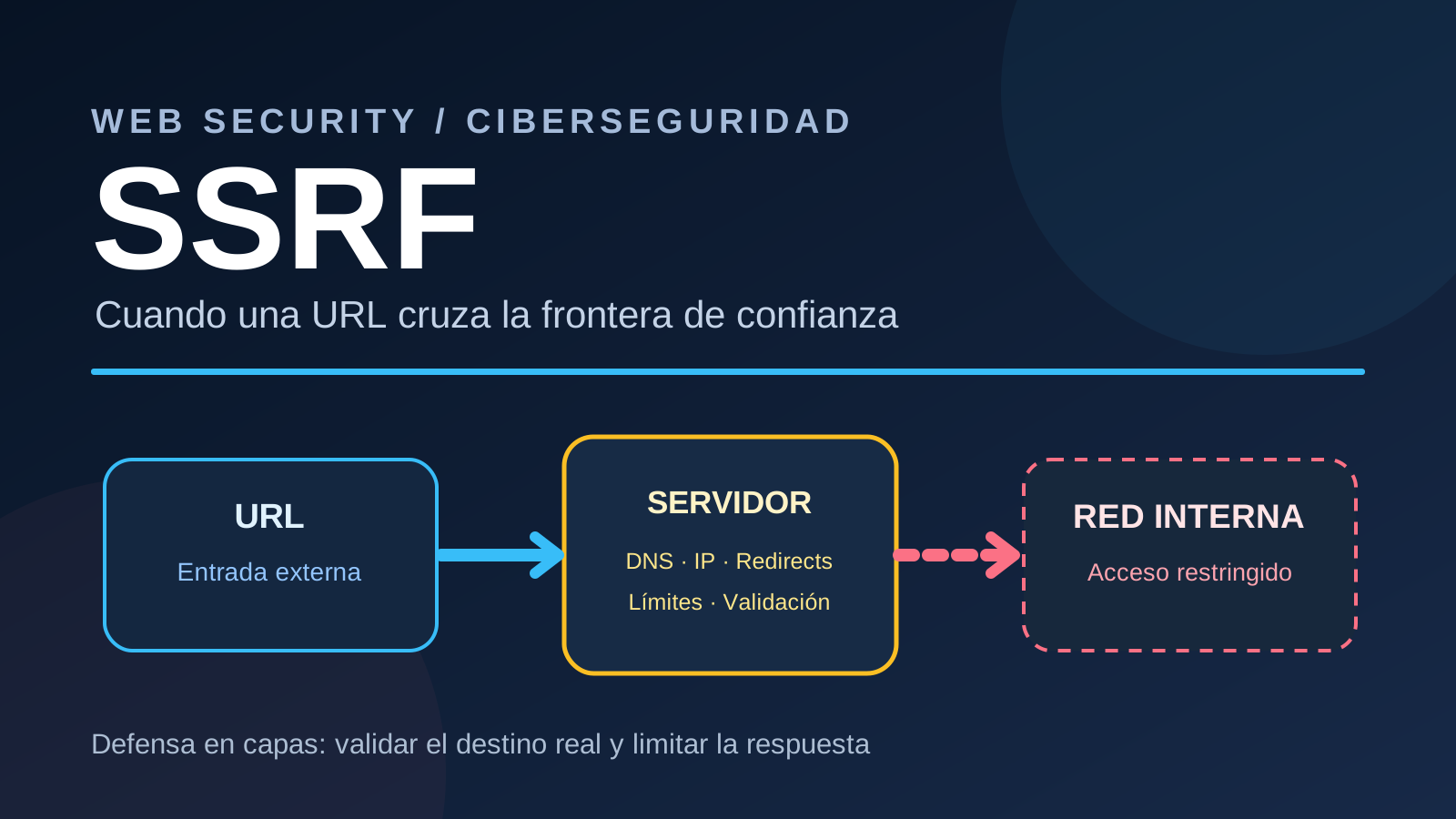
An innocent-looking feature can open a path to places never meant to be exposed: downloading an image from a URL supplied by a user.
Downloading remote content is not inherently unsafe. The risk starts when untrusted input is allowed to decide, without appropriate limits, where the application server connects.
This is the essence of SSRF, short for Server-Side Request Forgery.
How SSRF differs from an ordinary request
Normally, browsing a website sends a request from your own device. In SSRF, the application accepts an address and sends the request from its own infrastructure. That server may be able to reach internal services that an external visitor cannot.
Consider a generic thumbnail generator:
User → web application → remote download → thumbnailA public image URL is a legitimate input. But a downloader with no destination restrictions could be induced to contact a service on the server’s own machine or on a private network.
The web application becomes an unintended intermediary.
Not every SSRF leads to stolen secrets or remote code execution. The consequences depend on the network locations it can reach, available HTTP methods, how responses are handled, and which permissions those destinations enforce.
What is at risk?
Possible effects include:
- Internal service access. Private administrative interfaces or APIs may be reachable from the application process.
- Infrastructure metadata exposure. Some environments provide internal endpoints with configuration information and, in certain circumstances, temporary credentials.
- Network discovery. Differences in responses or timing may disclose the existence of internal hosts or ports.
- Unintended requests. Poorly protected internal endpoints may react to requests they were never intended to receive from an untrusted actor.
- Resource exhaustion. Very large downloads, long-running responses, or too many simultaneous fetches can consume memory, bandwidth, and disk space.
Severity depends on the actual architecture. An input URL alone is not proof of an exploitable high-impact vulnerability.
Redirects: the first validation can become irrelevant
Suppose a downloader checks an initial address and confirms that it leads to a publicly reachable site. The site then responds with an HTTP redirect to a different destination.
If the HTTP client follows that redirect automatically, the original URL check tells us nothing about the second destination.
A safer design rejects automatic redirects or handles each hop explicitly. Every new URL and actual destination must pass the same checks, and the number of redirects must be bounded.
DNS rebinding: what was checked may not be what gets contacted
Domain names can resolve to different IP addresses over time.
An incomplete security design may:
Resolve hostname → validate public IP → connect using hostnameIf the network library resolves the hostname a second time, the connection may use a different address from the one validated earlier. This is the core issue in DNS rebinding, a form of time-of-check/time-of-use mismatch.
A more robust approach ensures that a connection is established only to an IP address that was already validated. This requires care with DNS resolution, reconnections, TLS hostname verification, HTTP Host handling, and proxy behavior.
Correct destination checks cover IPv4 and IPv6 as well as unusual address representations. Merely inspecting the hostname string is not enough.
Excessive memory consumption is a separate but related risk
Even a completely public endpoint can serve too much data.
A server may omit Content-Length, claim a misleading size, send indefinitely, or deliver data that expands enormously when decoded. Reading the full response into memory before enforcing limits can exhaust an application process.
A responsible downloader should:
- Consume the response incrementally in chunks.
- Enforce an actual maximum number of bytes received, even if Content-Length is present.
- Limit connection and total request time, concurrency, and redirects.
- Verify the expected file type and apply limits during decoding.
- Clean up partial temporary files when a transfer fails.
SSRF and unbounded memory use are distinct bugs, but both deserve attention in features that fetch external content.
Defense in depth: a practical checklist
| Layer | Recommended protection |
|---|---|
| URL parsing | Restrict schemes to what the application needs, usually HTTP and HTTPS; reject malformed URLs and embedded credentials |
| Destinations | Prefer a small allowlist of trusted domains whenever the feature supports it |
| DNS and IP | Resolve and examine every possible address; reject loopback, private, link-local, reserved, and other non-public ranges |
| Connections | Ensure the actual peer IP is one that passed validation; control proxies and fresh DNS lookups |
| Redirects | Validate every redirect destination or disable redirects; cap the chain length |
| Responses | Bound download size, decoding, duration, and concurrent fetches |
| Network policy | Prevent the download process from reaching sensitive internal network segments |
| Tests | Cover blocked local destinations, redirects, DNS changes, and oversized responses without requiring external network access |
A domain allowlist can be stronger than trying to block every dangerous address on the Internet. Network egress restrictions provide another layer if an application-level check is bypassed.
Does an authorized-user list solve this?
Authorization answers who may request a feature. SSRF prevention answers where the server may connect while providing it.
A legitimate user can submit an unexpected URL, become compromised, or trigger automated handling of an unsafe third-party resource. Access control does not replace network destination control.
One principle to remember
A URL is effectively an instruction to make a connection.
Its trust boundary extends beyond the initial text field: DNS resolution, the actual IP contacted, every redirect, and the amount and type of content returned all matter.
Safe remote fetching requires validating the real destination and bounding the response, not merely checking the URL once.